We may earn a commission from links you visit through Coupon Snake.
You plop onto your favorite couch, laptop on your lap, ready to tackle a day of remote work. But after a few minutes, reality hits. Your neck aches, your laptop is hot against the cushion, and typing feels cramped. Sound familiar?
With remote and hybrid work now part of everyday life, the living room has become a legitimate workspace. In early 2024, 24.9% of employed adults aged 25 and older in the U.S. teleworked at least part of the time (Bureau of Labor Statistics). That makes investing in the right tech essentials more than just a convenience — it’s essential for comfort, productivity, and long-term health.
This guide highlights 8 comfort-boosting gadgets that can transform your couch into a fully functional, ergonomic workspace.
Why Couch Work Is a Big Deal
Working from your couch might feel relaxed, but the ergonomics tell a different story. Research shows that using a laptop on soft surfaces, like sofas or beds, increases neck flexion, shoulder strain, and wrist discomfort compared to working at a proper desk. One study found significantly higher discomfort levels when laptops were used in non-neutral postures common on couches (Ergonomics Journal, PubMed)
Another posture-analysis study observed that non-desk laptop use leads to awkward joint angles and multi-region musculoskeletal discomfort (Applied Ergonomics, PubMed).
Couch-based laptop use also affects devices. Safety guidance from the University of Washington notes that placing laptops on soft materials blocks ventilation and increases overheating risk (UW EH&S Workstation Guidelines).
At the same time, remote-friendly employees now spend over 28% of their paid workdays working from home, according to recent analyses (Phys.org). With so many people relying on flexible home workspaces, comfort and ergonomic safety matter more than ever.
Put these together, and the picture is clear:
More time on the couch + higher ergonomic risks = a rising need for supportive, portable tech essentials.
https://www.youtube.com/watch?v=0IpKo0w9ToE
This video from Desk Jockey Physio breaks down exactly what your body goes through when you work from a soft surface and shows practical ways to reduce strain right away. From using pillows to support your lower back, to positioning your laptop for healthier neck alignment, to taking micro-breaks and quick stretches, it visualizes the same posture issues highlighted in the research above. It’s a simple, clear guide that helps you understand why couch work can be tough on your body — and how to make it safer and more comfortable.
How to Choose Couch-Office Tech Essentials
By now, it’s clear that couch-based work isn’t “effortless comfort”—it’s a balancing act between flexibility and physical strain. Since the couch isn’t designed to support long bouts of typing, tapping, or video calls, the right tools can make the difference between feeling supported and feeling sore.
https://www.youtube.com/watch?v=jld6BSQfDnk
Before you choose your own couch-office essentials, this video from PIRATE KING shows just how creative (and chaotic) a living-room workstation can get. It walks through a full reclining setup, the gadgets needed to make it functional, and the real pros and cons of working from a sofa. While it comes with strong safety disclaimers, it’s a helpful visual reminder that comfort, ergonomics, and proper planning matter far more than just stacking gear around you. Watch it first so the next section makes even more sense—especially when we start breaking down what to look for when choosing your own couch-friendly tech.
Before diving into the list, here’s what to consider when choosing the tech that will actually improve your day-to-day comfort.
1. Ergonomic Support That Fits Your Posture
Look for tools that help bring your body back into a more neutral position—whether that’s a lap desk that lifts your screen, a cushion that reduces slouching, or accessories that keep your wrists from collapsing inward.
2. Portability for Real-Life Movement
Couch work rarely happens in one static pose. You shift, stretch, twist, sit cross-legged, and sometimes migrate to the bed or the floor. Choose gear that’s easy to move, adjust, or fold away.
3. Heat and Ventilation Needs
Since soft surfaces trap heat—and research shows this increases device strain—prioritize stands or surfaces with proper ventilation so your laptop stays cool and efficient.
4. Power and Connectivity Without the Clutter
Couch setups can get messy fast. Extra ports, charging hubs, and cable-management helpers can keep you powered up without feeling tangled up.
5. Longevity vs Budget
Some items are inexpensive comfort boosters, others are long-term ergonomic investments. Pick the ones that match how often (and how long) you realistically work from the couch.
6. Tools That Match Your Work Style
Think about what you actually do most. Writing? Meetings? Multitasking? Choose tech that supports the tasks you rely on daily, not the ones that only sound good on paper.
Best Tech Essentials for a More Comfortable Couch-Office Setup
Now that we’ve covered what your body needs for healthier couch-based work, here are the core tech essential categories that can make your setup feel more supportive, efficient, and genuinely comfortable.
Each of these solves a different pain point of couch living—whether it’s posture, heat, clutter, or focus—so you can mix and match based on what your day requires.
1. Portable Laptop Stands for Better Posture
These stands lift your laptop to a more natural height, so your neck isn’t constantly angled downward. Many are lightweight, foldable, and easy to adjust, making them perfect for anyone who shifts positions often. They help your posture without forcing you into a rigid “desk-only” setup.
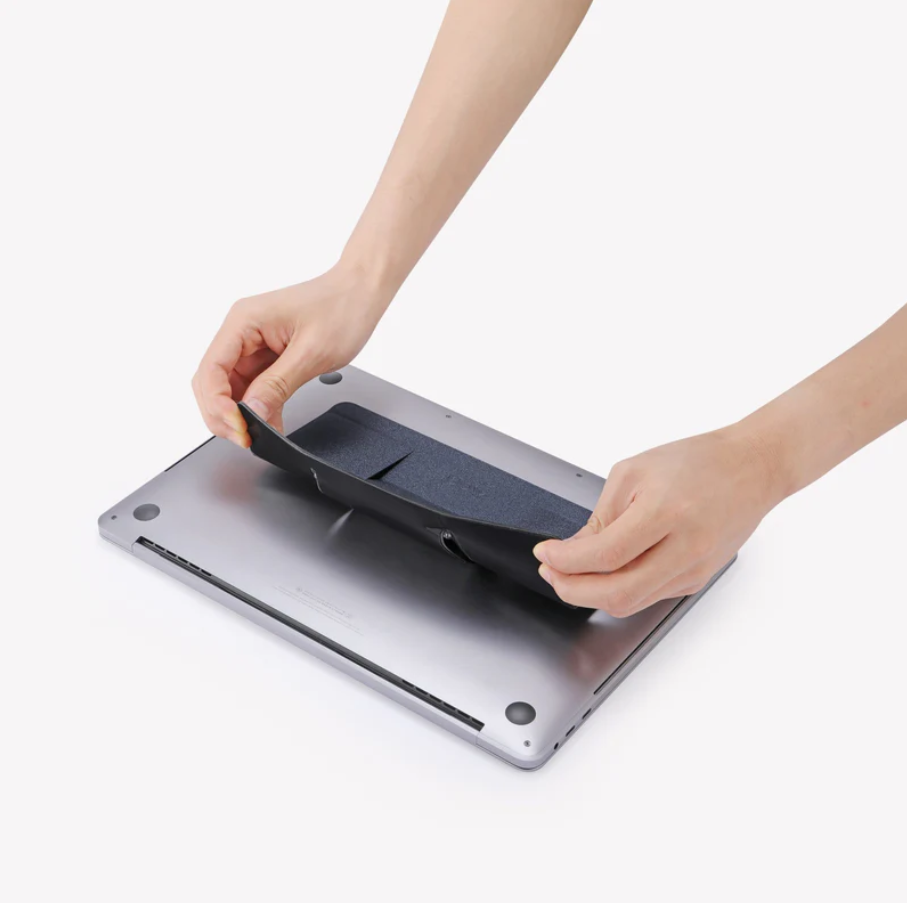
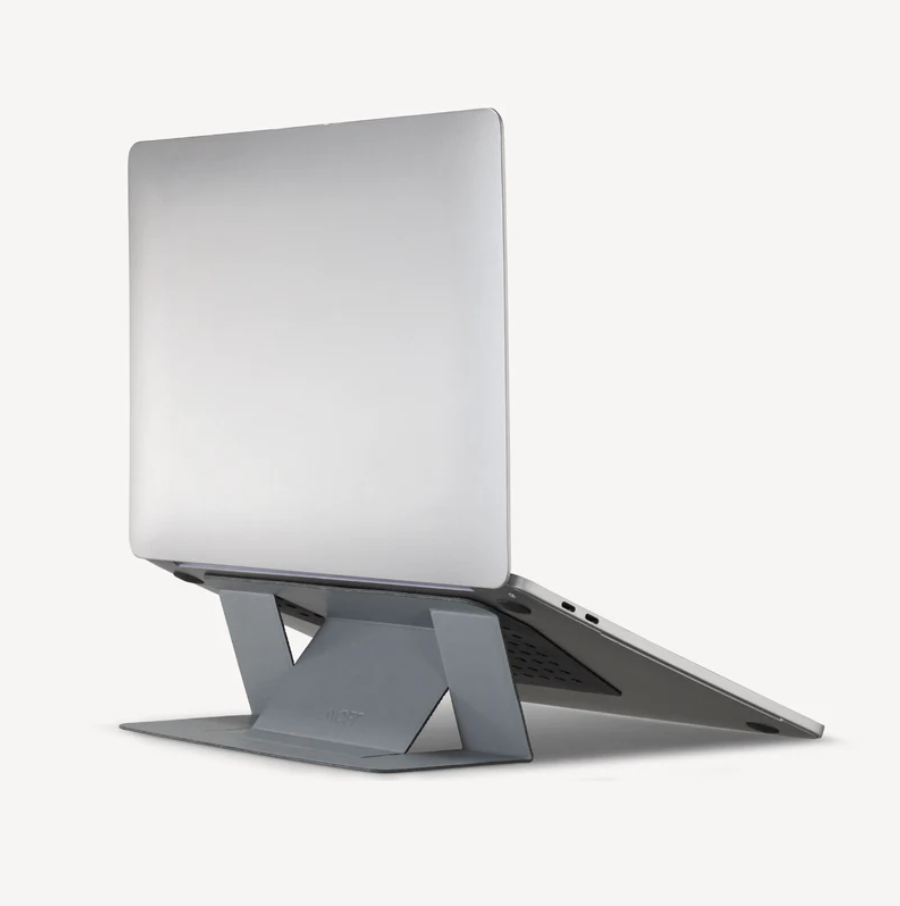
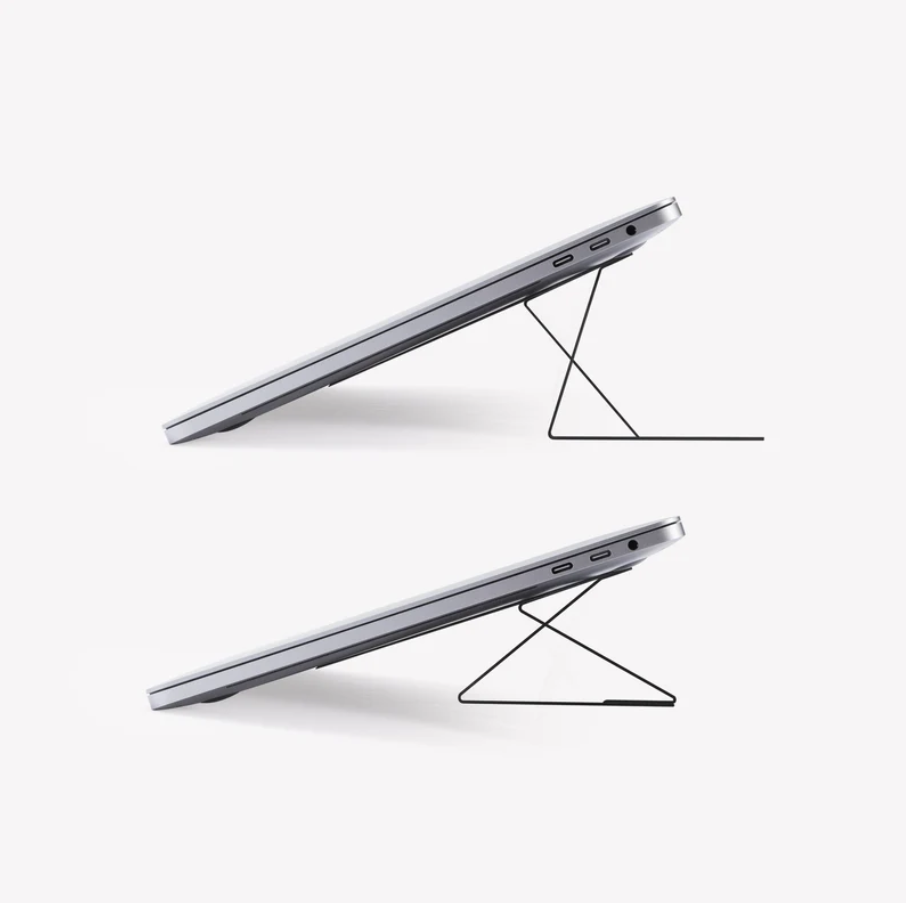
MOFT Invisible Laptop Stand A sleek example of how a simple lift can completely change your couch-office comfort. Ultra-thin and attached directly to your laptop, it props your screen to ergonomic angles that ease neck and shoulder tension—without adding bulk to your setup. Lightweight, foldable, and always ready when you are, it shows just how effortless good posture can feel.
2. Cushioned Lap Desks With Proper Airflow
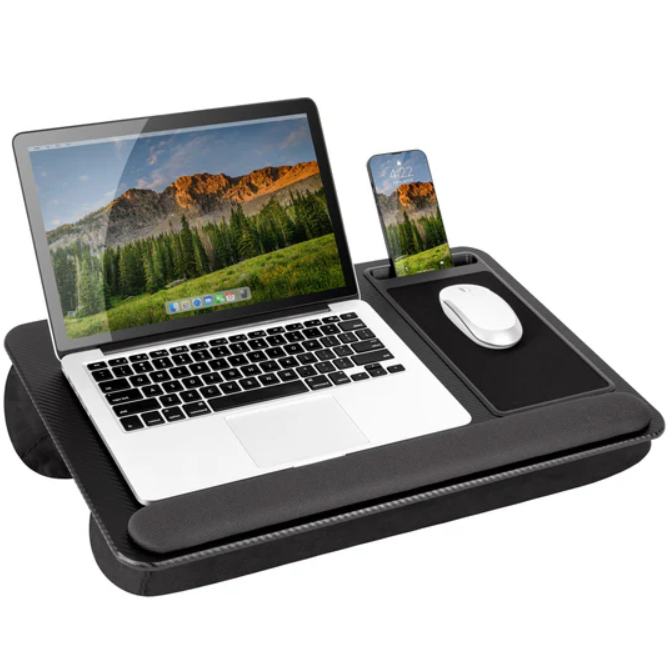
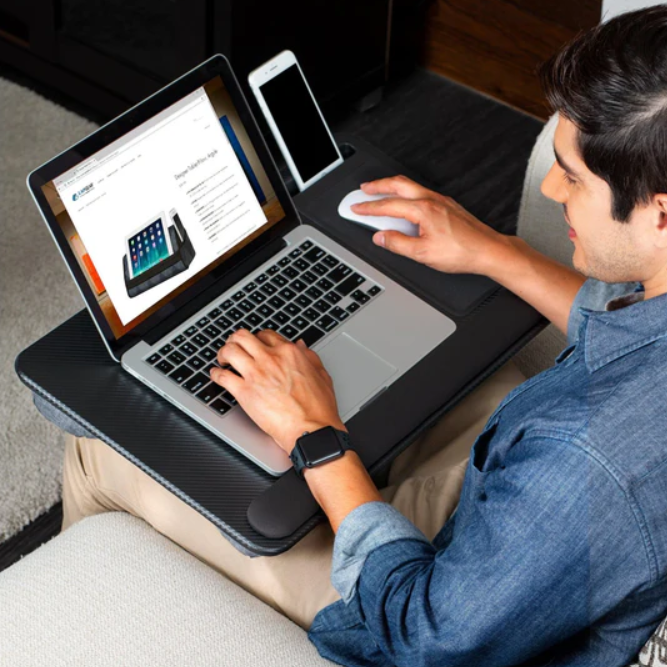
A good lap desk gives you a steady, comfortable surface that protects your legs from heat while helping your laptop breathe. The cushioned base keeps things cozy, and the flat top encourages better wrist alignment — a simple upgrade that makes couch typing feel far less awkward.
LapGear Home Office Pro Lap Desk A comfy, all-in-one surface that makes couch typing feel smoother and more supported. With its dual-bolster cushion that helps disperse heat, a built-in mouse pad, and a cushioned wrist rest, it keeps your lap cool and your hands relaxed. The added phone slot and easy-carry handle make it especially handy for anyone who likes to work, lounge, and multitask from the same spot.
3. Lumbar Support Cushions That Help Your Back Do Less Work
Sofas simply aren’t built for long sessions of focused work. A supportive cushion fills the gap, literally, giving your spine proper alignment and reducing the slow, creeping lower-back fatigue that tends to appear after an hour on the couch.
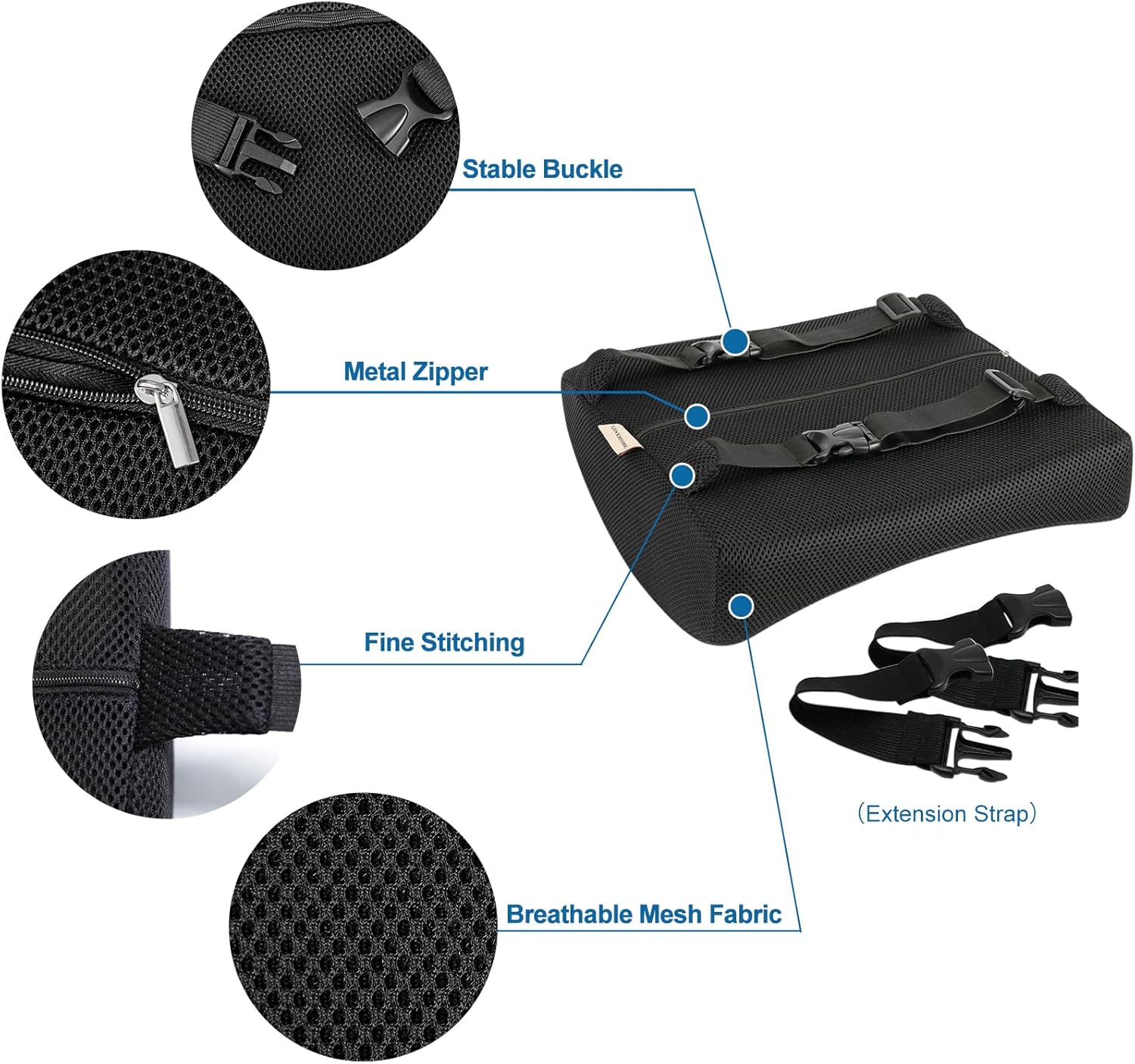
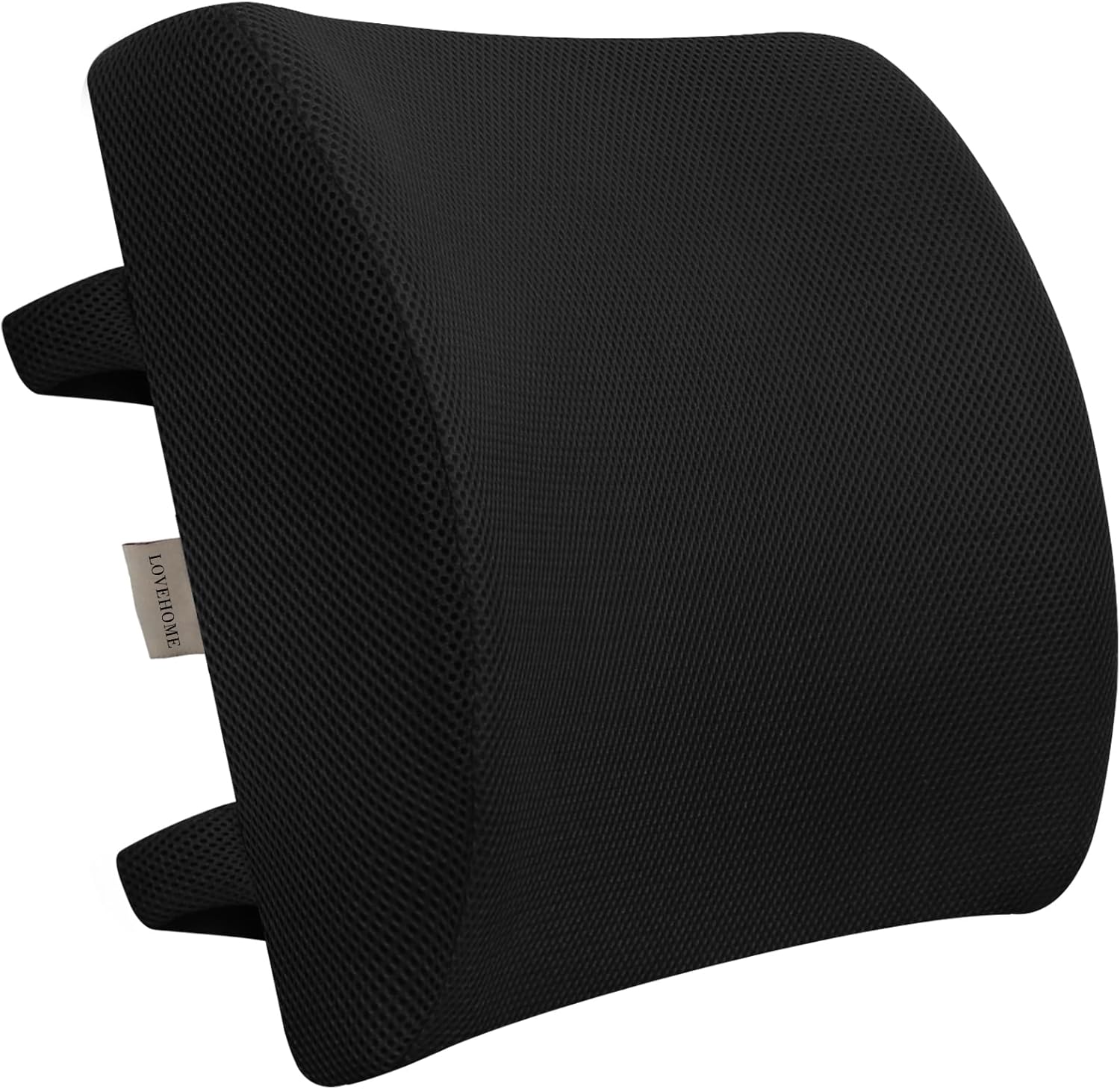
LoveHome Memory Foam Seat Cushion A supportive, posture-friendly upgrade that helps your lower back stay aligned when your sofa simply… doesn’t. The ergonomic memory foam molds to your natural curve without flattening, while the breathable 3D mesh cover keeps things cool. With dual adjustable straps that lock it in place on any chair or couch, it’s a small addition that makes long couch-office sessions feel noticeably easier on your spine.
4. Portable Monitors That Expand Your Digital Space
These slim displays give you more room to multitask — whether that’s reviewing documents, keeping chat windows off your main screen, or running a second app while you work. They fold away easily, so you get extra screen real estate without turning your living room into an office.
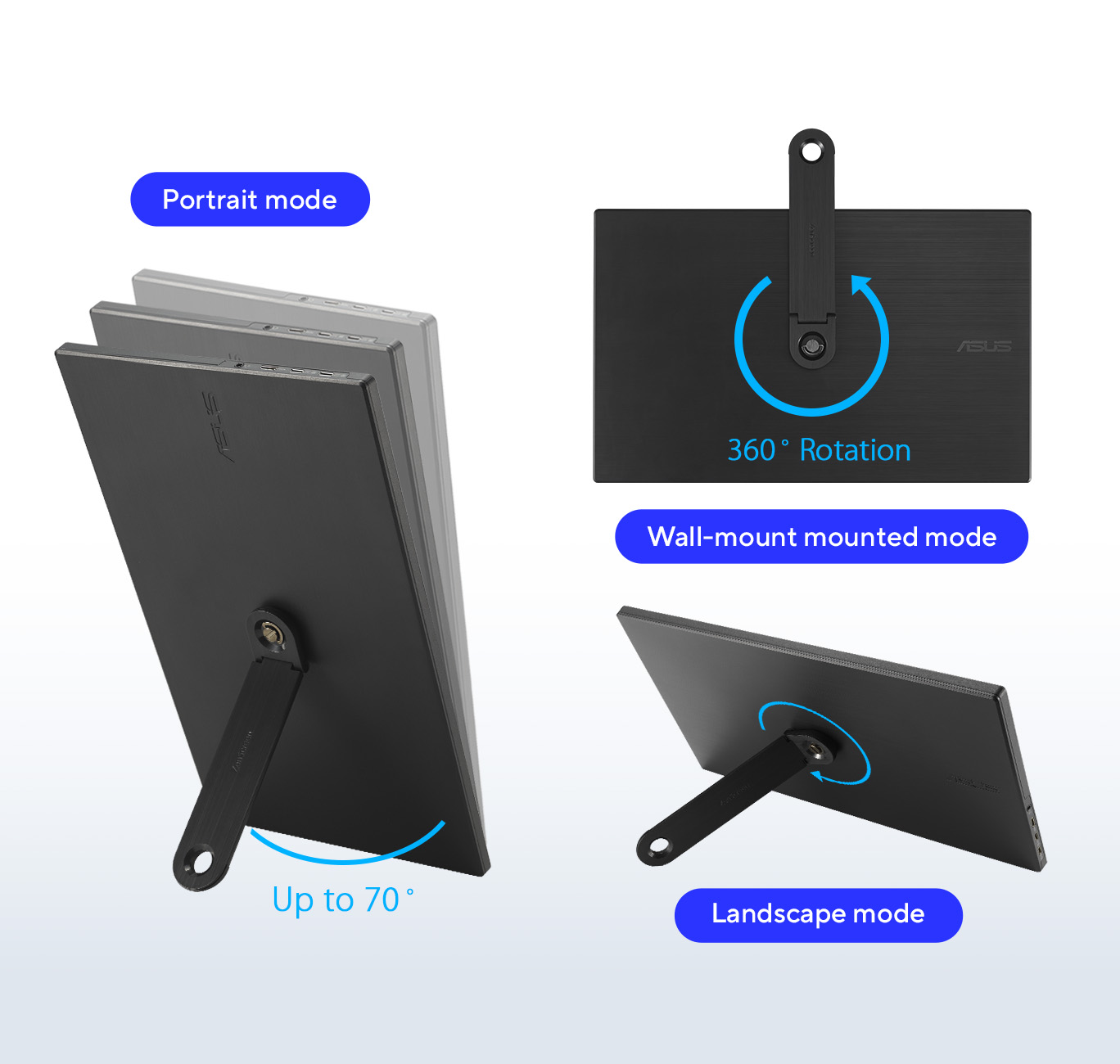
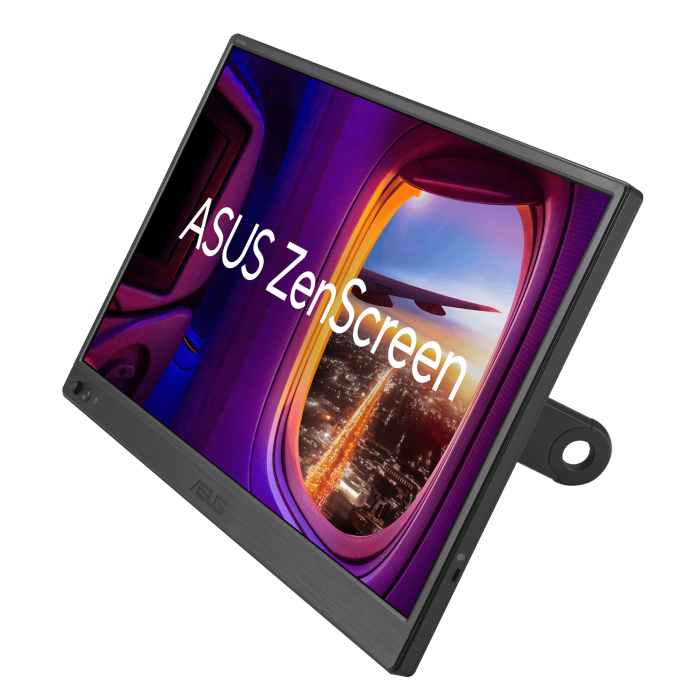
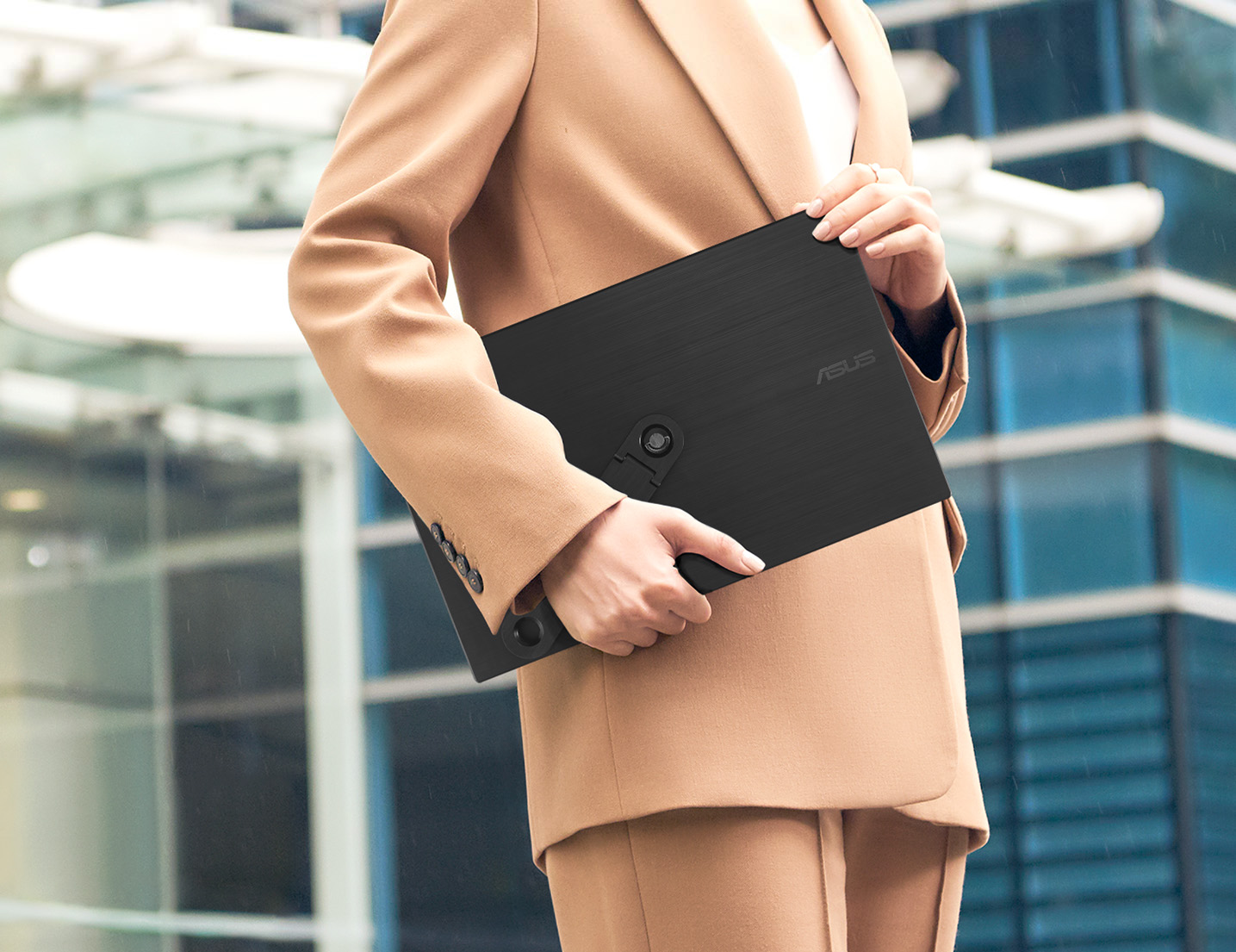
ASUS ZenScreen MB169CK Portable USB Monitor A lightweight, travel-friendly second screen that gives your couch-office setup a serious productivity boost. Its 15.6-inch Full HD IPS display stays crisp from any angle, while the dual USB-C ports make it nearly plug-and-play for most laptops. The 360° kickstand lets you prop it up in portrait or landscape mode, and Eye Care features help reduce strain during long work sessions. It’s an easy way to expand your workspace without cluttering your living room — just set it up, plug it in, and enjoy the extra room to think and create.
5. External Keyboards and Mice That Free Up Your Hands
Keeping your hands and wrists in a relaxed, neutral position is almost impossible with a laptop by itself. External input devices make everything feel more natural — you’re no longer hunched or cramped, and your shoulders stay loose. They also give you flexibility to position your laptop farther away at eye level.
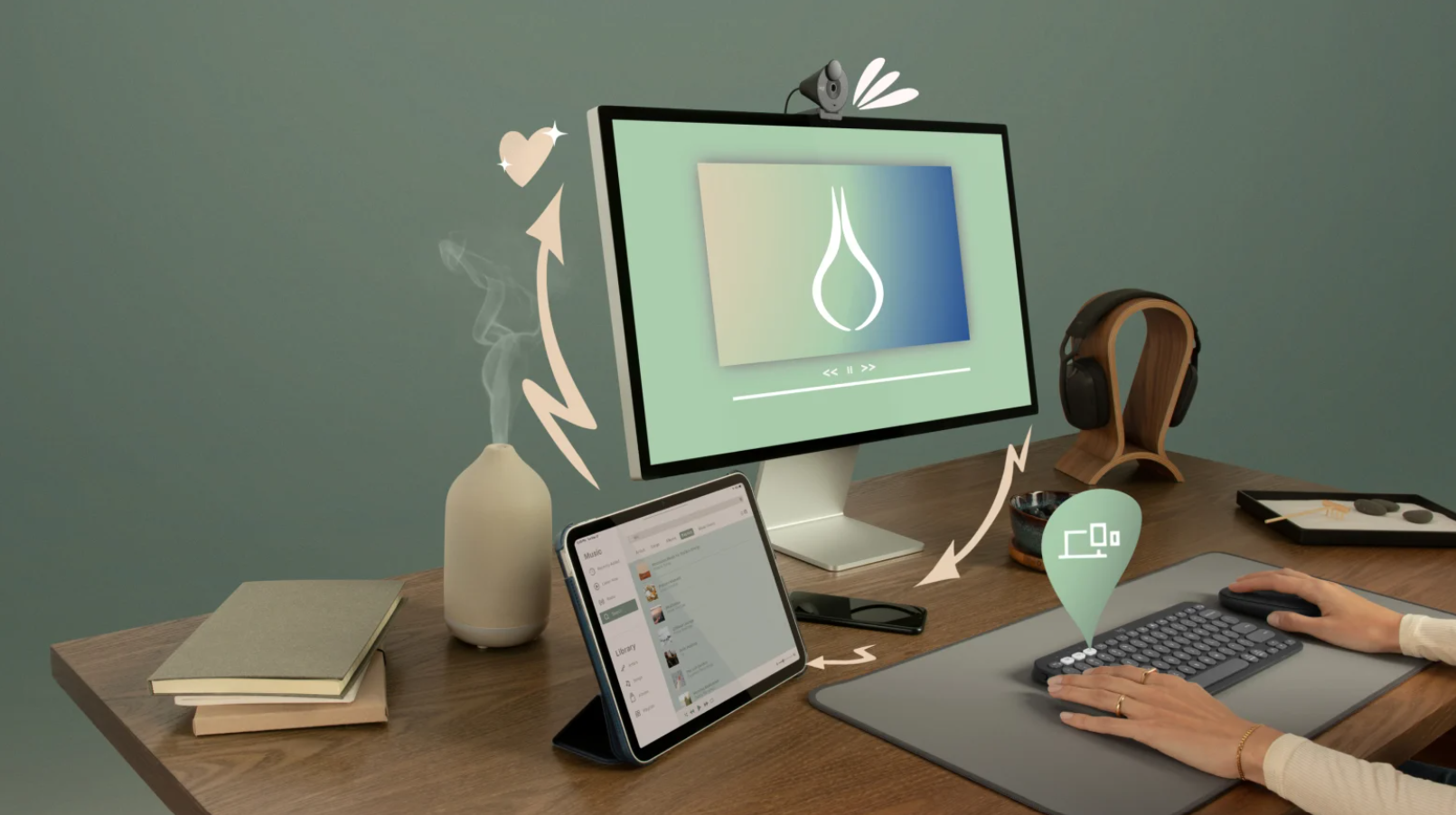
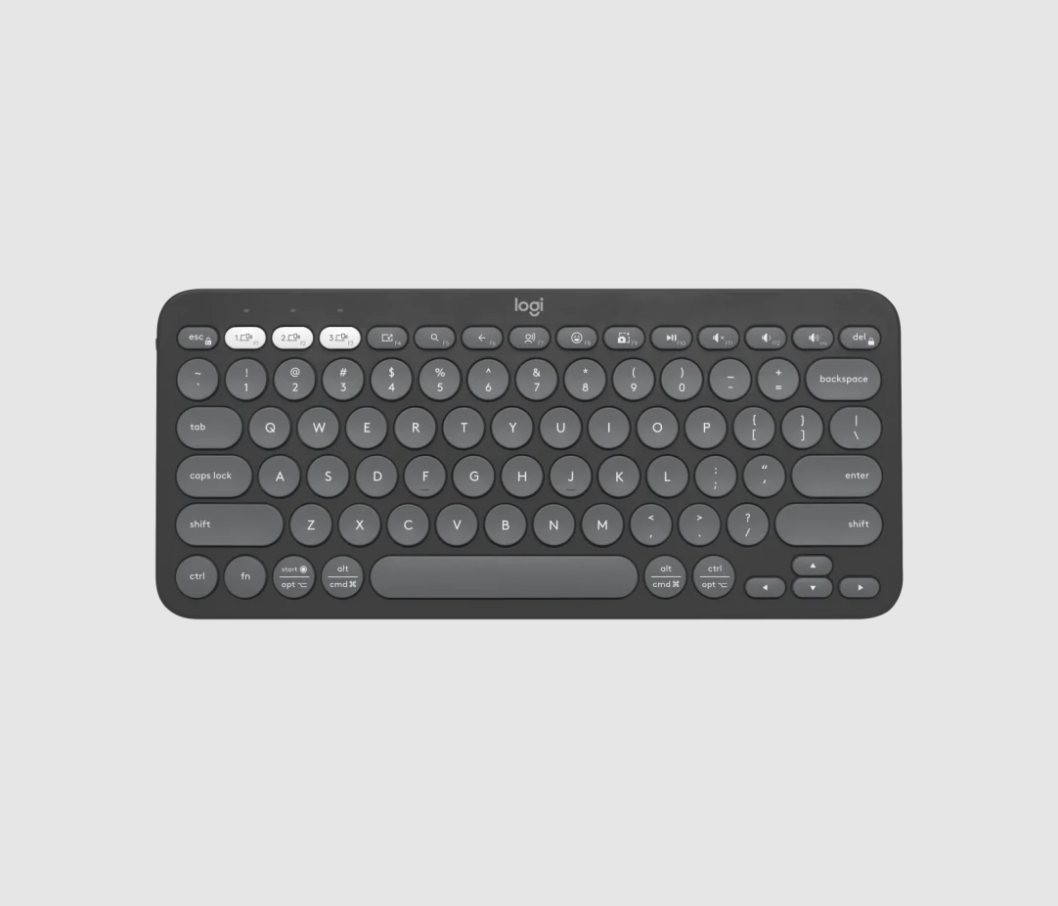
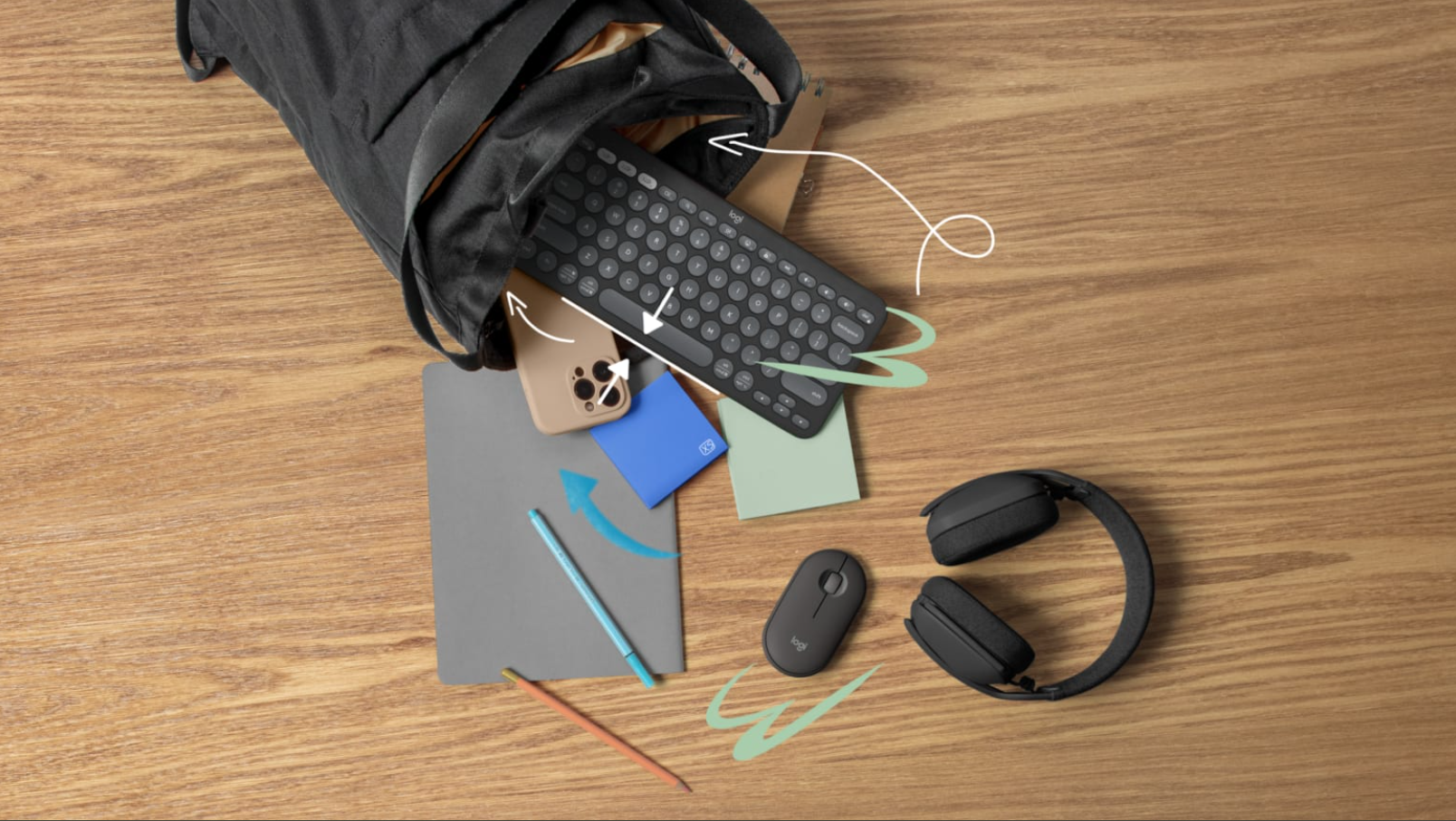
Pebble Keys 2 K380s A slim, Bluetooth-ready keyboard that keeps your hands relaxed while adding a bit of personality to your couch-office setup. Its low-profile, laptop-style keys feel soft and quiet, and Easy-Switch pairing lets you hop between three devices without breaking your workflow. Made with recycled plastics and designed to be lightweight, it slips easily into any bag — perfect for anyone who likes a cleaner posture, a cleaner desk, and a cleaner aesthetic.
6. Portable Power Banks or Charging Stations That Break the Tether
Instead of hunting for the nearest outlet or dealing with cords that barely reach the couch, a reliable power bank or charging station keeps everything running wherever you settle in. It’s a small freedom, but it makes a big difference in how relaxed your setup feels.
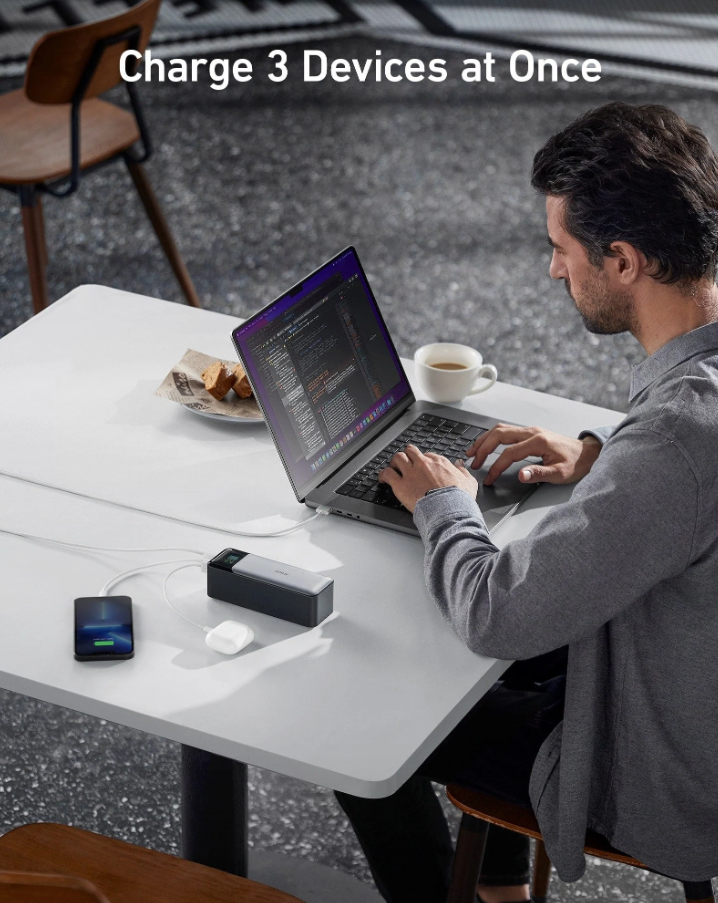
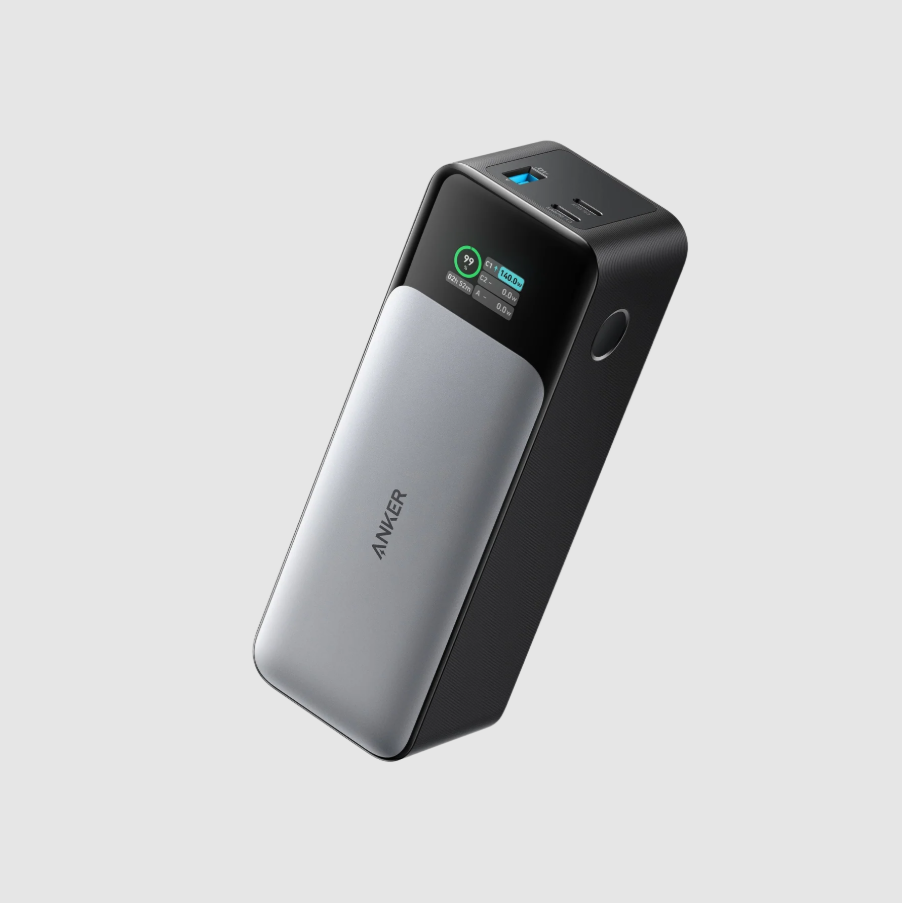
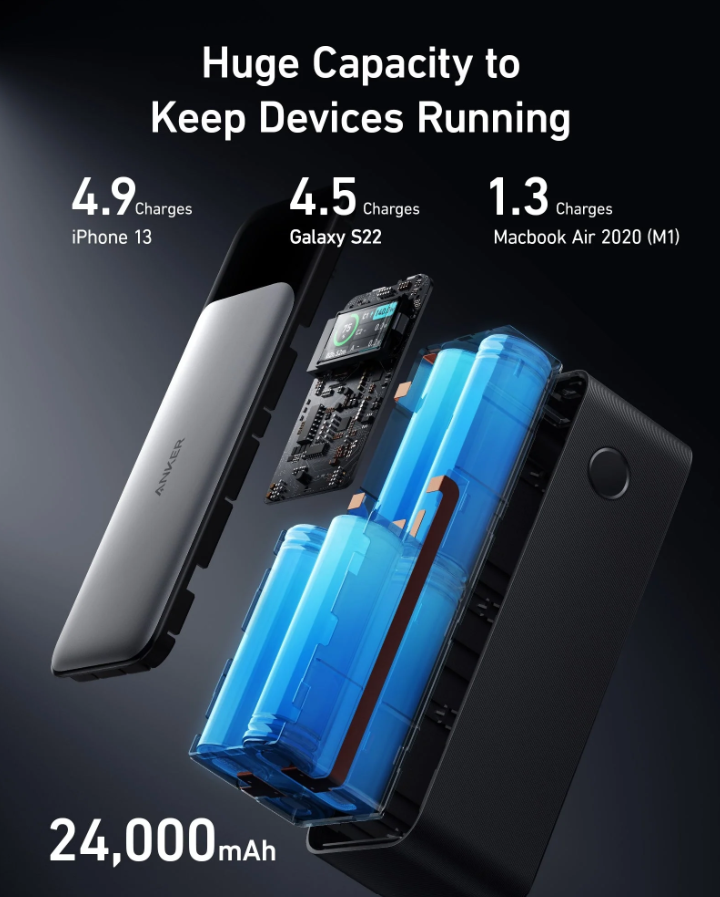
Anker 737 Power Bank (PowerCore 24K) A powerhouse you can drop right beside you on the couch — no outlet scavenging required. With its massive 24,000mAh capacity and ultra-fast 140W USB-C charging, it keeps laptops, tablets, and phones running long after their batteries tap out. The real-time digital display makes it easy to track exactly how much power you’ve got left, giving your couch-office setup the freedom to stay fully charged without ever getting up.
7. USB or USB-C Hubs That Keep Everything Connected
Couch setups can get messy quickly. A small hub gathers your most-used ports in one place, so chargers, drives, and accessories plug in easily without stretching cables across cushions. It’s all about convenience — one hub, less chaos.
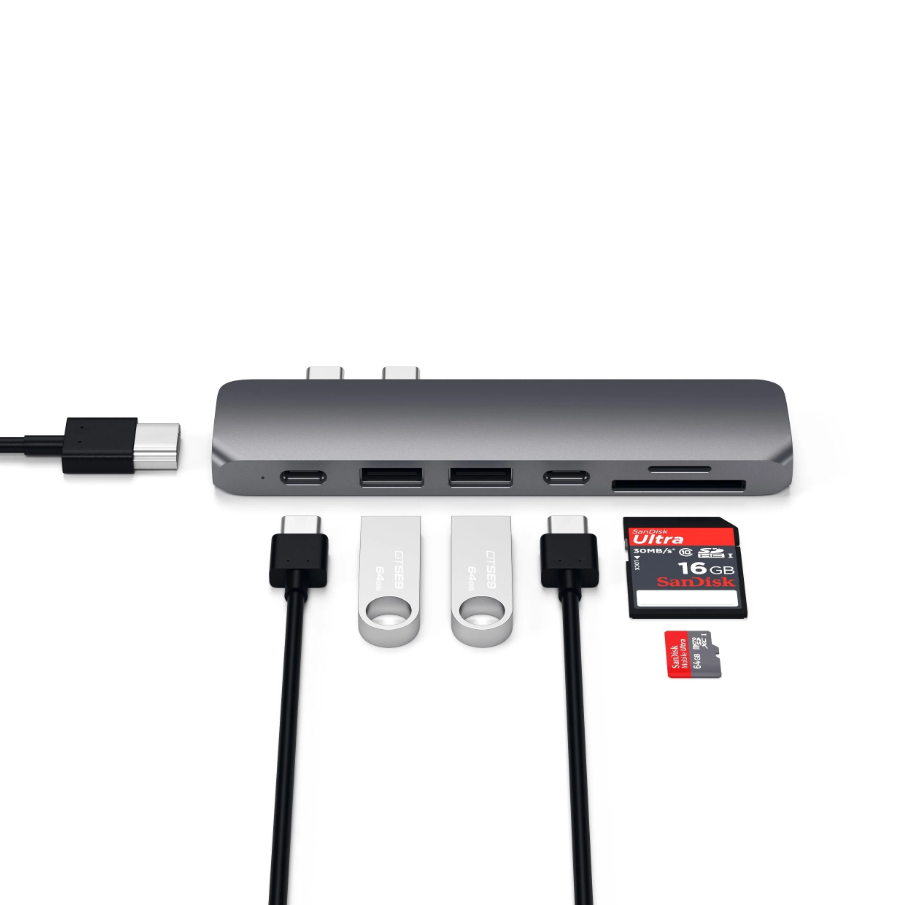
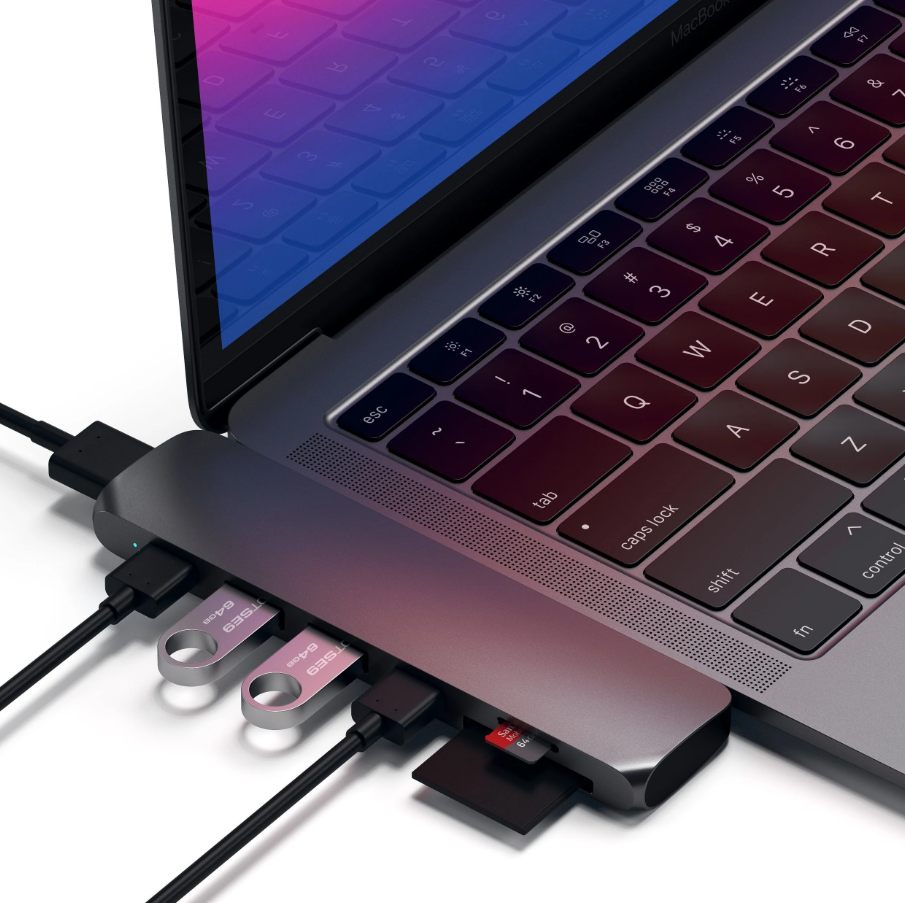
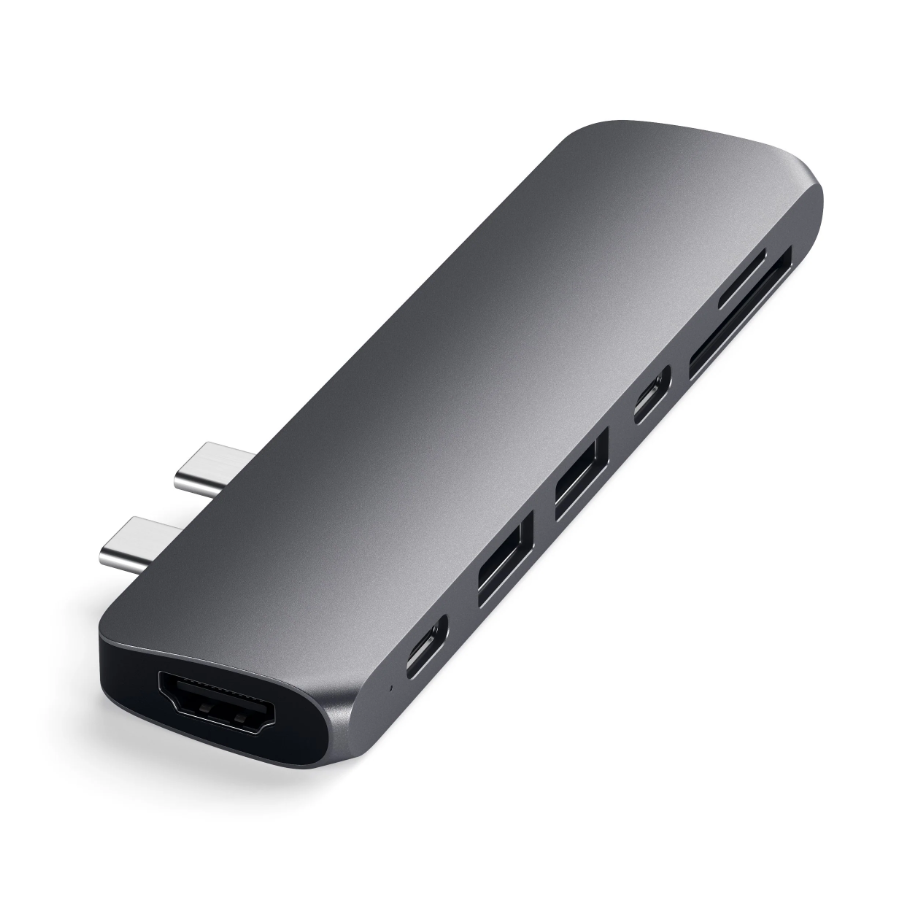
Satechi Type-C Pro Hub Adapter A sleek, all-in-one hub that keeps your couch-office setup organized and fully connected. With multiple USB-A and USB-C ports, HDMI output, and SD card readers, it lets you plug in laptops, drives, and accessories without juggling cords. Its compact, aluminum design slides easily onto your workspace, turning cable chaos into a neat, effortless workflow.
8. Wireless Headsets or Earbuds That Keep You in the Zone
Whether you’re taking meetings or trying to focus, comfortable wireless audio helps you stay present without background noise distractions. Many fold or store easily, so they don’t clutter your space.
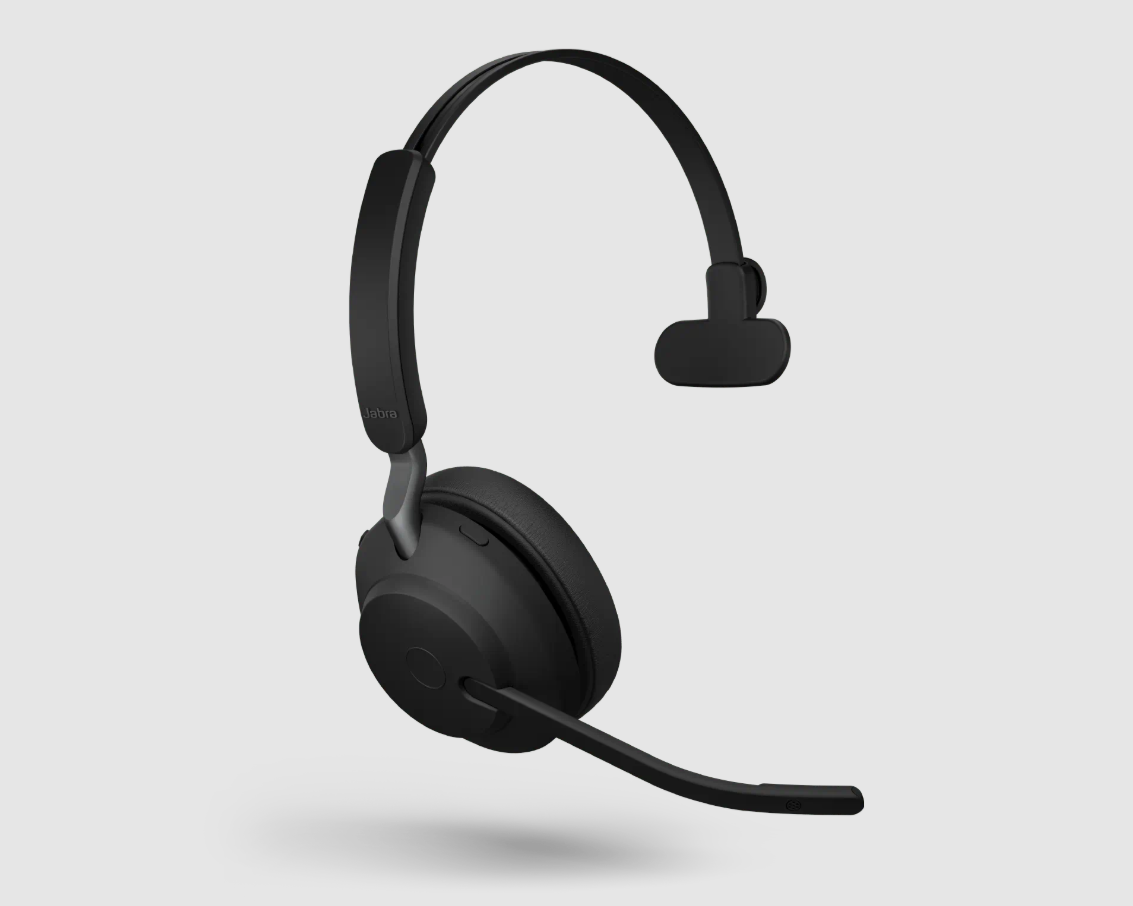
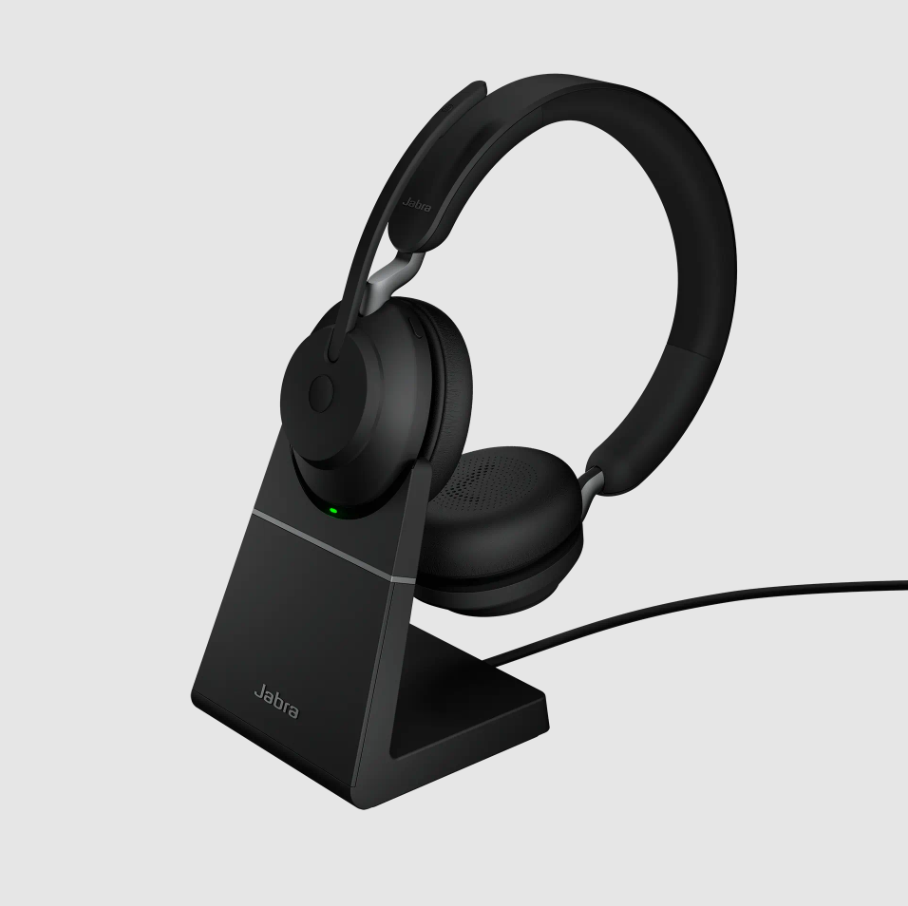
Jabra Evolve2 65 Wireless Headset A comfy, focus-friendly headset that keeps you in the zone during calls or music breaks. Soft memory foam cushions and lightweight design let you wear it for hours, while 3-microphone technology and superior passive noise cancellation reduce distractions. With up to 37 hours of battery life and a subtle busylight to signal “do not disturb,” it’s ideal for staying fully engaged in your couch-office workflow.
Tips for Setting Up Your Couch Corner Office
Now that you’ve got the right tech essentials, it’s time to make your couch-office setup actually work for you.
A few thoughtful tweaks can turn comfort and convenience into a seamless workflow. These simple practices complement the gadgets you’ve chosen, turning your couch into a space that’s not just cozy, but fully functional, efficient, and tailored to your work style.
1. Create a mini command center
Position side tables, trays, or a small shelf to keep your lap desk, power bank, notebook, and coffee cup within easy reach. This ensures everything you need is close at hand without cluttering your cushions.
https://www.youtube.com/watch?v=vkB0LJUTgJk
If you want a quick visual guide to building a couch-friendly command center without the clutter, this video by TwoByteThomas lays out simple, practical tweaks that translate surprisingly well to soft-seating setups. Thomas breaks down how small positioning changes, smarter accessory placement, and intentional layout choices can make any workspace—desk or couch—feel more functional and less chaotic. It’s a great companion for anyone trying to keep essentials within reach while still keeping the living room comfortable.
2. Tame the cables
Even with hubs and power banks, cords can quickly become a mess. Short cables, clips, or cord organizers help keep everything neat, so you’re free to move around or adjust your position.
https://www.youtube.com/watch?v=ebvClTavJ4w
Struggling with cords creeping across your couch setup? This video from GutzyAiden walks you through simple, smart cable management techniques—from clips and sleeves to advanced routing tricks—so your tech stays tidy, accessible, and tangle-free. Perfect for keeping your portable workspace organized without sacrificing comfort or flexibility.
3. Move and stretch regularly
No gadget can replace good circulation. Stand, stretch, or do a quick walk every 45–60 minutes to prevent stiffness and fatigue, keeping your body as comfortable as your setup.
https://www.youtube.com/watch?v=MTU4iCDntjs
Staying on the couch for hours can leave your muscles stiff and sore. This quick 4-minute routine from Allblanc TV hits your neck, shoulders, arms, back, hips, and more—perfect for a micro-break every 45–60 minutes to boost circulation, reduce fatigue, and keep your body feeling fresh while you work.
4. Keep devices cool
Even the best lap desks or portable stands need a little help. Mesh supports, ventilated surfaces, or dual-bolster cushions can channel heat away from laptops, ensuring your devices and your legs stay comfortable.
https://www.youtube.com/watch?v=hoFmHf3xxxI
Laptop heat builds up fast on soft couch surfaces. This breakdown of cooling pads from Tech Notice—how they work, where to place them, and which setups actually reduce temps—shows exactly how proper airflow can keep your device running cooler and more efficient. A perfect visual companion to understanding why ventilation matters in any couch-office setup.
5. Mix power sources
Combine wall outlets, high-capacity power banks, or charging hubs so your laptop, monitor, and accessories stay powered without tethering you to a single spot.
https://www.youtube.com/watch?v=UTH8zGeJCE4
If you’ve ever felt stuck to the nearest outlet, this video from ModernDayTech shows just how much freedom a high-capacity power station can add to your setup. From powering a mobile desk to creating a fully cordless workspace, it’s a smart visual reminder that mixing power sources isn’t just convenient—it can transform how (and where) you work on the couch.
Your Couch, Reimagined: Comfort Meets Productivity
Your sofa doesn’t have to be just a spot for TV or naps. With the right tech essentials, you can create a comfortable, ergonomic, and productive workspace.
Start small — a seat cushion, lumbar pillow, and laptop stand can transform how your body feels in just minutes. Add a portable monitor, cooling pad, and power solutions, and suddenly your couch isn’t just a place to sit — it’s a workspace that cares about your comfort, posture, and focus.
Work smarter, sit comfortably, and reclaim your couch as a space you actually want to be in. Productivity has never felt this cozy.