We may earn a commission from links you visit through Coupon Snake.
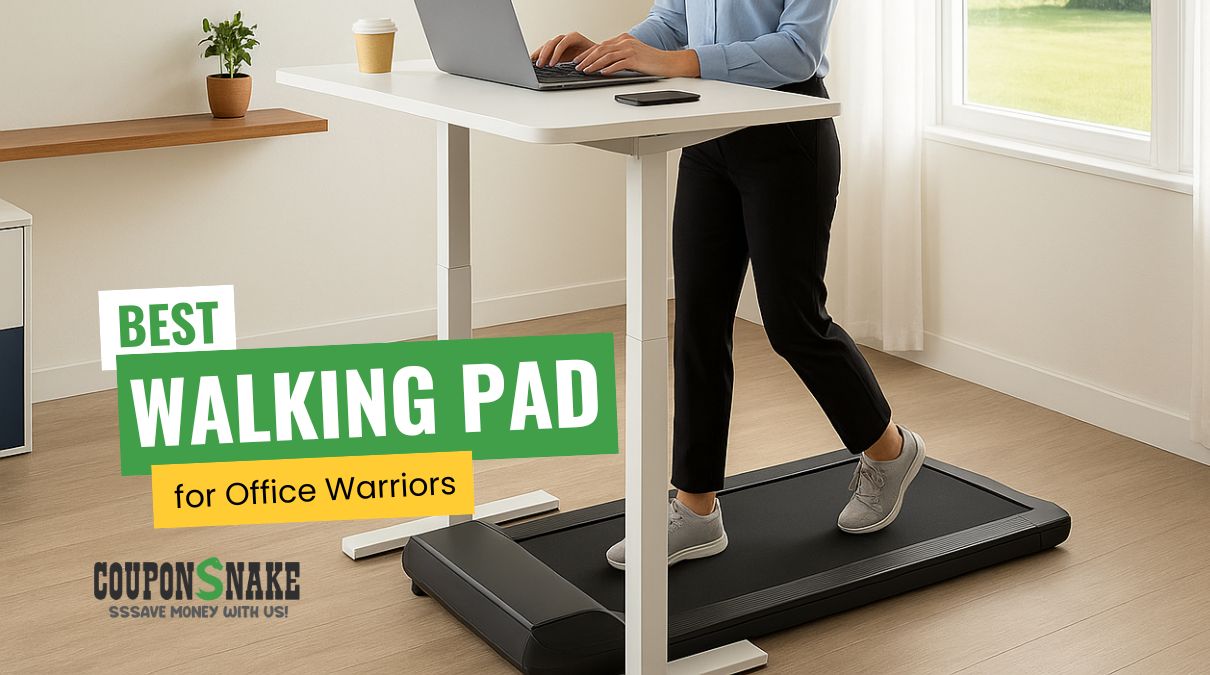
It’s 2:59 PM. Your brain’s in a fog, your legs are stiff, and your posture looks like a wilted fern. You don’t need a full-blown treadmill setup—you just want to stay in motion while typing, Zooming, and powering through your day. The solution? A whisper-quiet, under-desk walking pad that keeps your body engaged and your brain alert—without turning your workspace into a gym.
Below, we’ll help you find the best walking pad for your desk life—based on real-world performance, noise, stability, and fit for small spaces.
What Really Matters When Choosing the Best Walking Pad
A walking pad might look like just a slim treadmill you tuck under your desk—but the details make or break your experience. Pick the wrong one, and you’ll be stuck with a noisy distraction or a cramped deck that feels unsafe. Get it right, and you’ll glide through your workday with steady steps and zero stress.
Here’s what to pay attention to before you click “add to cart.”
https://www.youtube.com/watch?v=D3g0p6v0pUw
Think a walking pad is just a treadmill that fits under your desk? Miss Sarah E K learned the hard way that the small details—like stride length, storage space, incline, and even noise levels—can make or break the experience. Her video “7 Overlooked Things to Consider When Choosing an Under-Desk Treadmill” is a perfect reminder that specs aren’t just numbers; they decide whether your walking pad becomes a smooth daily habit or a frustrating dust collector.
1. Noise Levels That Don’t Break Your Focus
The whole point of a walking pad is to keep you moving without disrupting your flow. The best walking pads hum quietly in the background, hitting around 42–45 dB—think library-level quiet. Push past 50 dB, though, and that steady buzz becomes noticeable to you (and anyone nearby). If you’re planning to take calls or share an office, noise is one of the first specs you should check.
2. Deck Length & Safety for Your Stride
Deck size can really influence how natural your stride feels. If you’re on the taller side, shorter decks might feel cramped or even a little unsafe. Looking for longer decks with tapered edges or step guards can help you walk more comfortably and securely. If you’re over 5’10”, it might be worth double-checking the length before buying so you don’t feel restricted.
3. Speed & Stability That Keep You Typing Smoothly
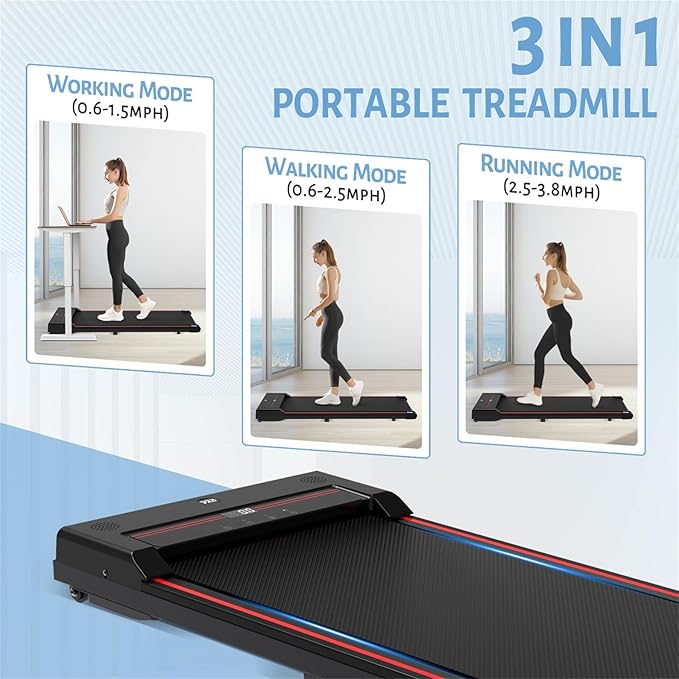
Most people find that the sweet spot is around 1–2 mph—a pace that keeps you moving while still letting you type with ease. If you tend to multitask or you’re just getting used to walking while working, choosing a model with an optional handrail can make the experience feel more stable and reassuring.
4. Footprint, Storage & Portability
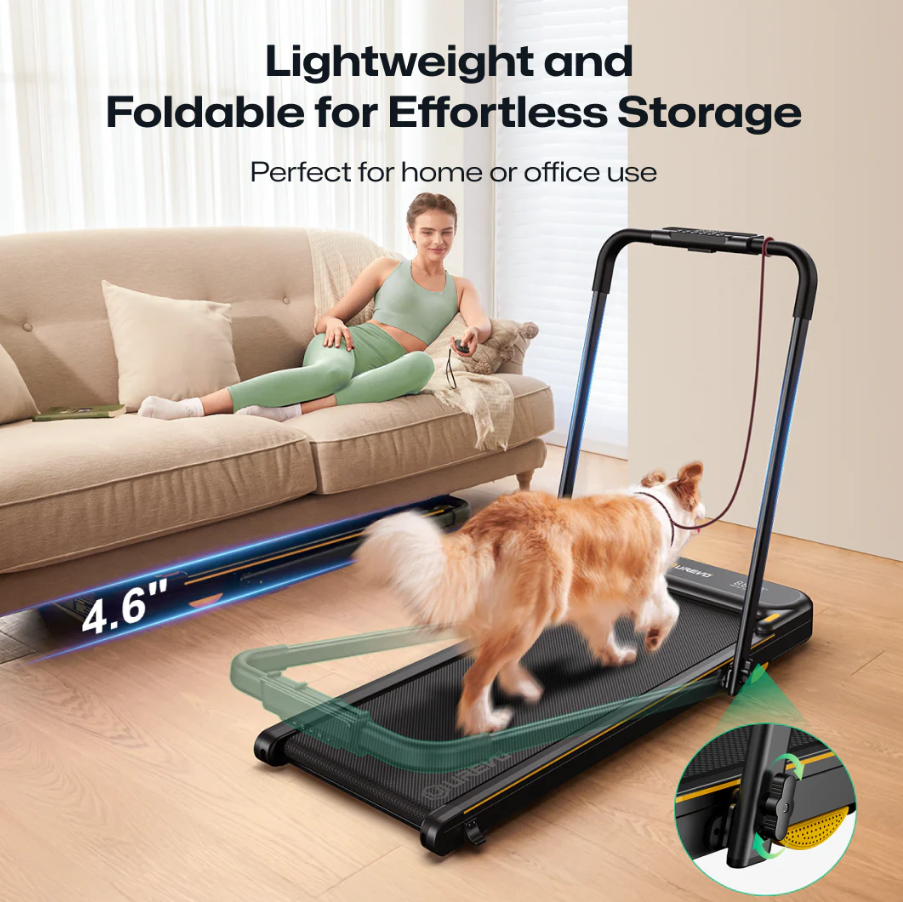
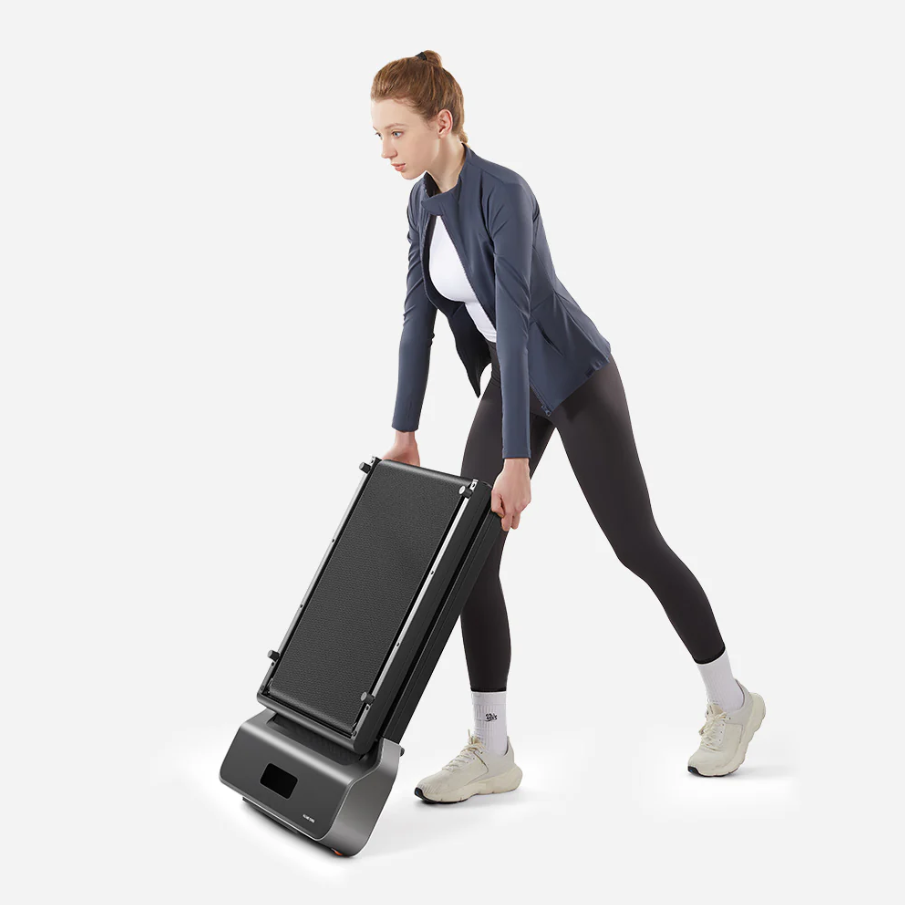
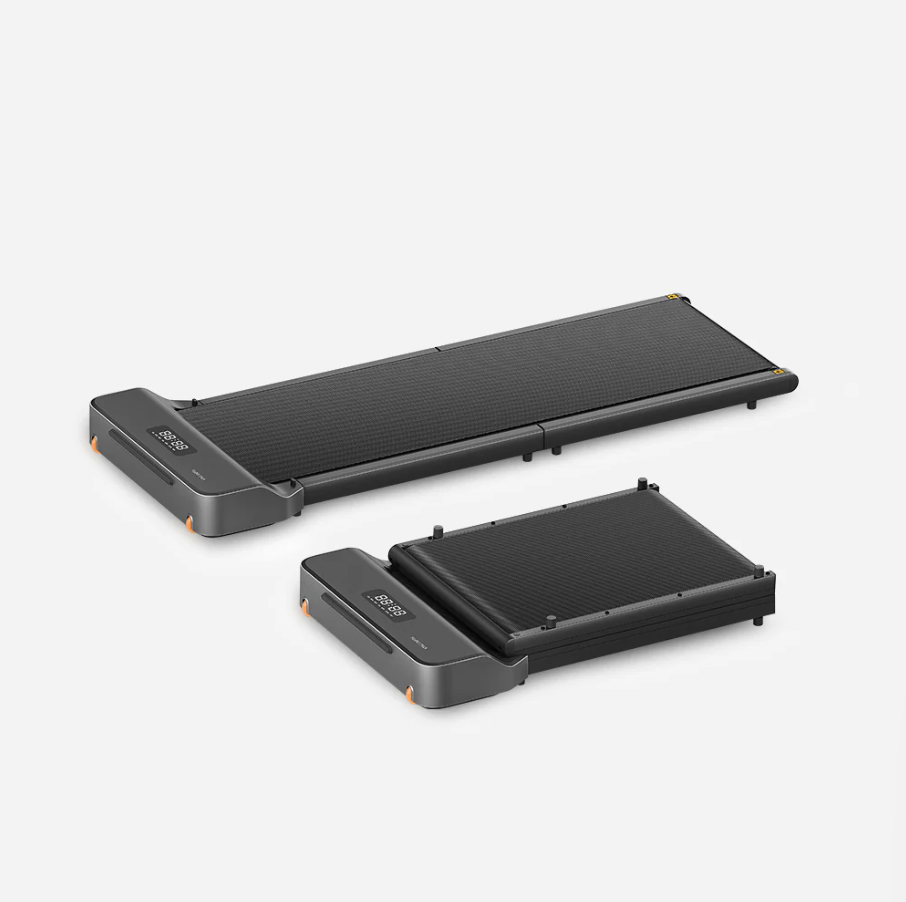
If you’re working in a smaller apartment or home office, foldable walking pads with wheels can be a real lifesaver. They can slide under couches, beds, or desks when you’re not using them. Keep in mind that lighter models might be easier to store, but they can sometimes feel less stable compared to heavier builds—so it’s about finding the balance that fits your lifestyle.
5. Controls & App Reliability
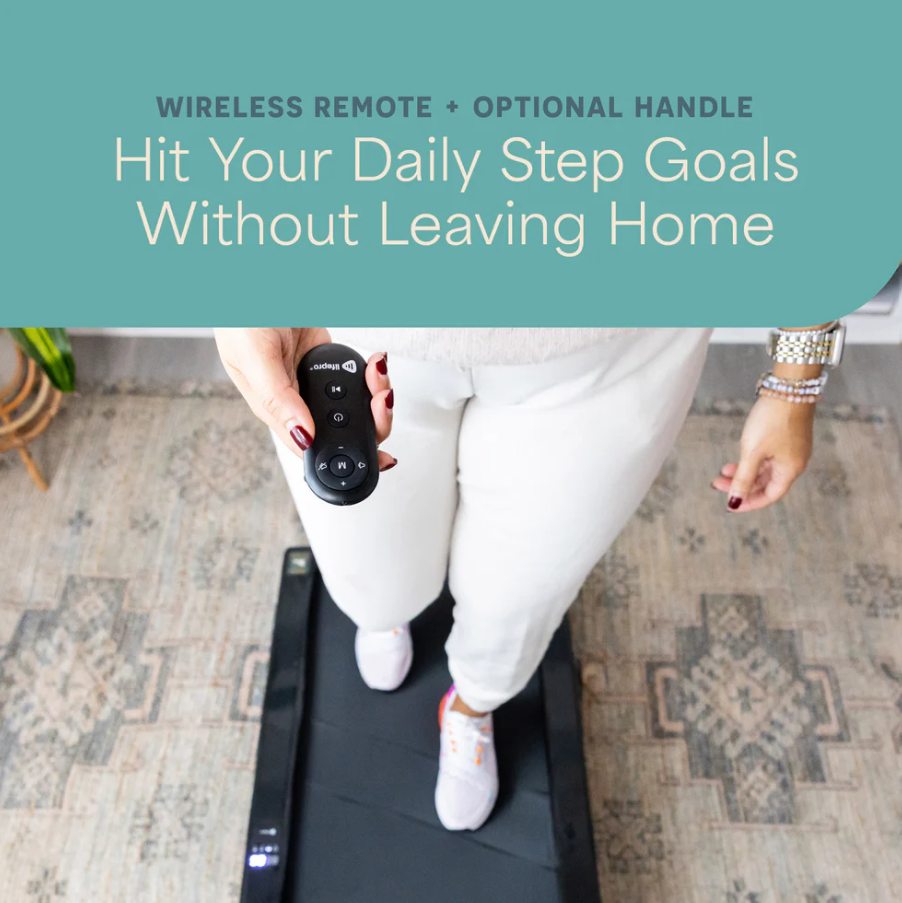
A walking pad with a remote control can make quick speed adjustments simple, while Bluetooth apps can add fun extras like step tracking or goal-setting. That said, app quality can vary quite a bit. Some—like the SunnyFit app—tend to get positive reviews, while others might be less reliable. If tracking your progress matters to you, this is worth considering.
6. Power Use & Duty Cycle
Walking pads are generally designed for steady walking rather than high-speed running. Most can handle daily use without trouble, but if you’re planning long sessions, it can help to check the motor’s duty cycle rating. This can give you peace of mind that the pad won’t overheat or wear out too quickly.
Top Walking Pads That Actually Work While You Work
Now that you know what really matters—noise, stability, deck length, and storage—it’s time to look at the models that consistently rise above the rest. Each of these picks checks the boxes for real-world usability, so you can decide which one best fits your space, lifestyle, and work style.
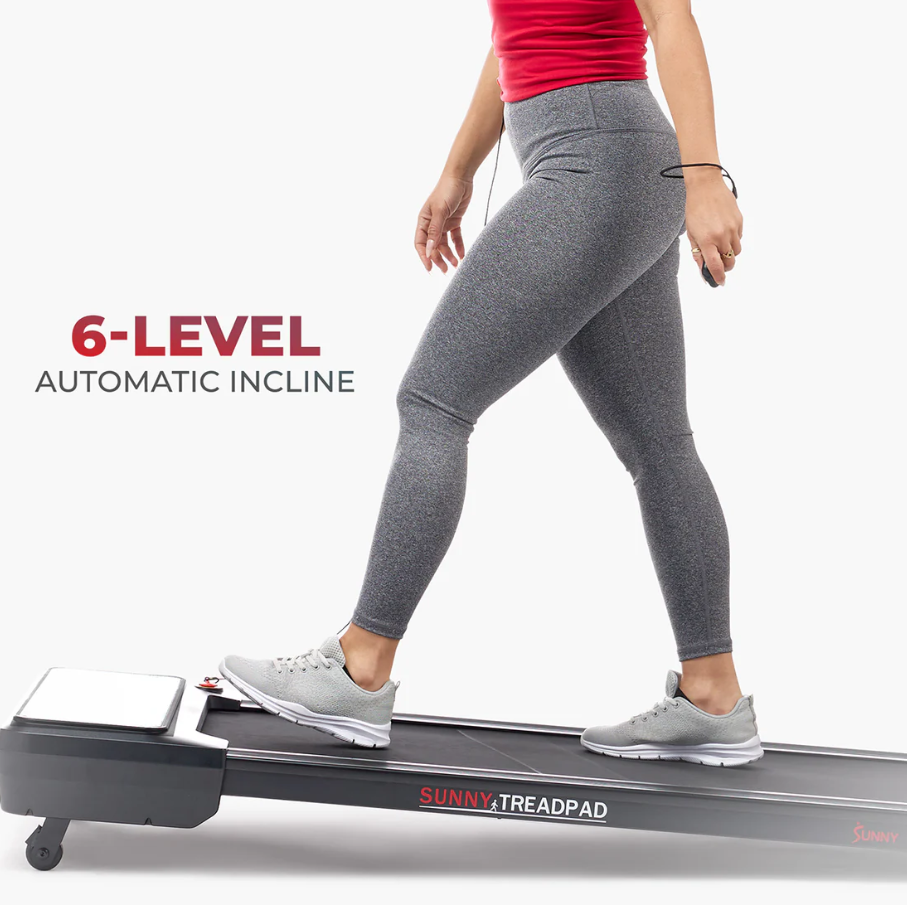
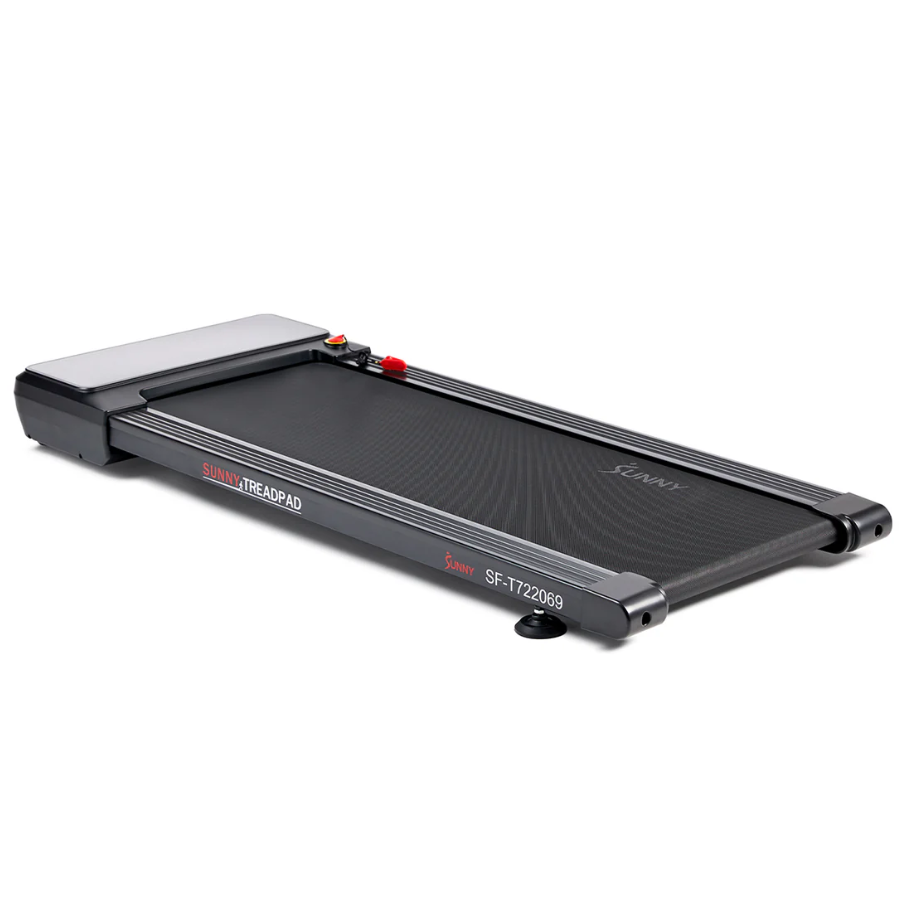
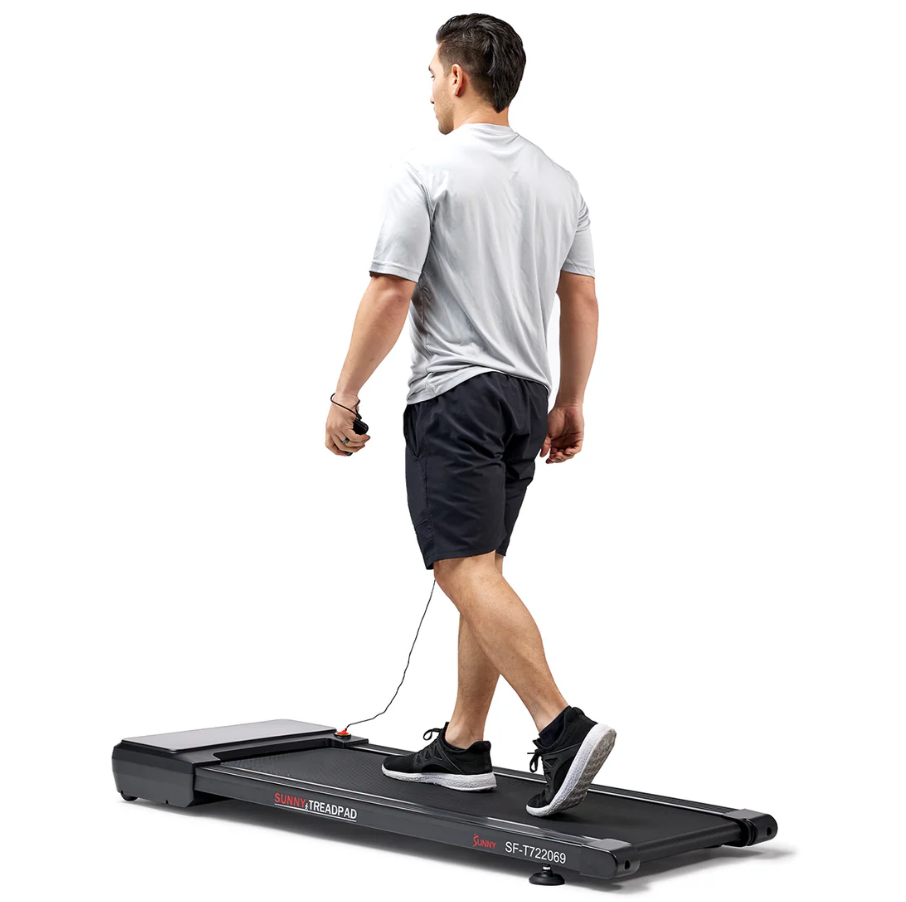
For anyone who values silence above all else, the Sunny Health & Fitness Smart TreadPad can be a real game-changer. It’s designed for seamless walking while working, without the distracting hum that can throw you off focus.
Arrives foldable and fits easily under most standing desks.
Practically silent at 1–2 mph, making it ideal for calls or focused work.
Pairs with the SunnyFit app and includes an auto-incline for a light calorie burn.
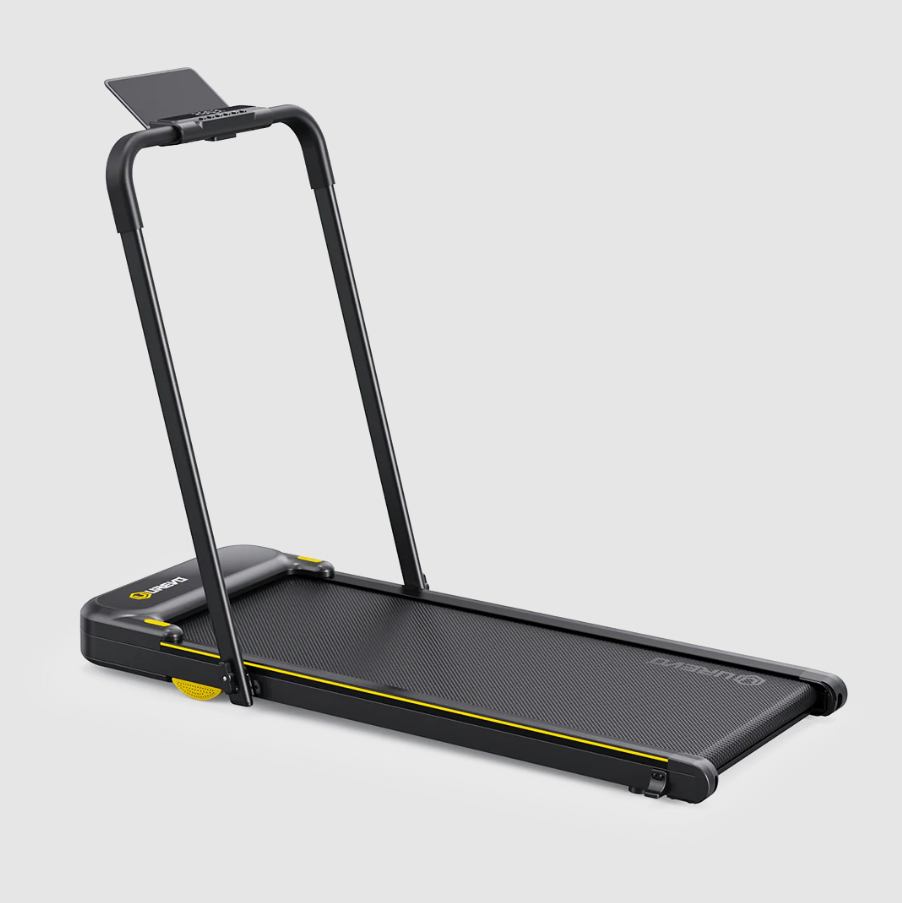
When stability takes priority, the Urevo Strol 2E truly shines. Its sturdy build makes it a reliable option for newcomers to desk walking as well as multitaskers juggling typing, calls, and projects at once.
Optional paddle handrail gives instant confidence and balance.
Quiet motor that won’t compete with your concentration.
Generous warranty from a U.S.-based support team, which adds peace of mind.
UREVO Strol 2E Smart Treadmill ($289.99) Why it could be right for you: If you value steadiness while typing or want a dependable starter walking pad with a safety-focused design, the Strol 2E can make you feel grounded while still keeping you in motion.
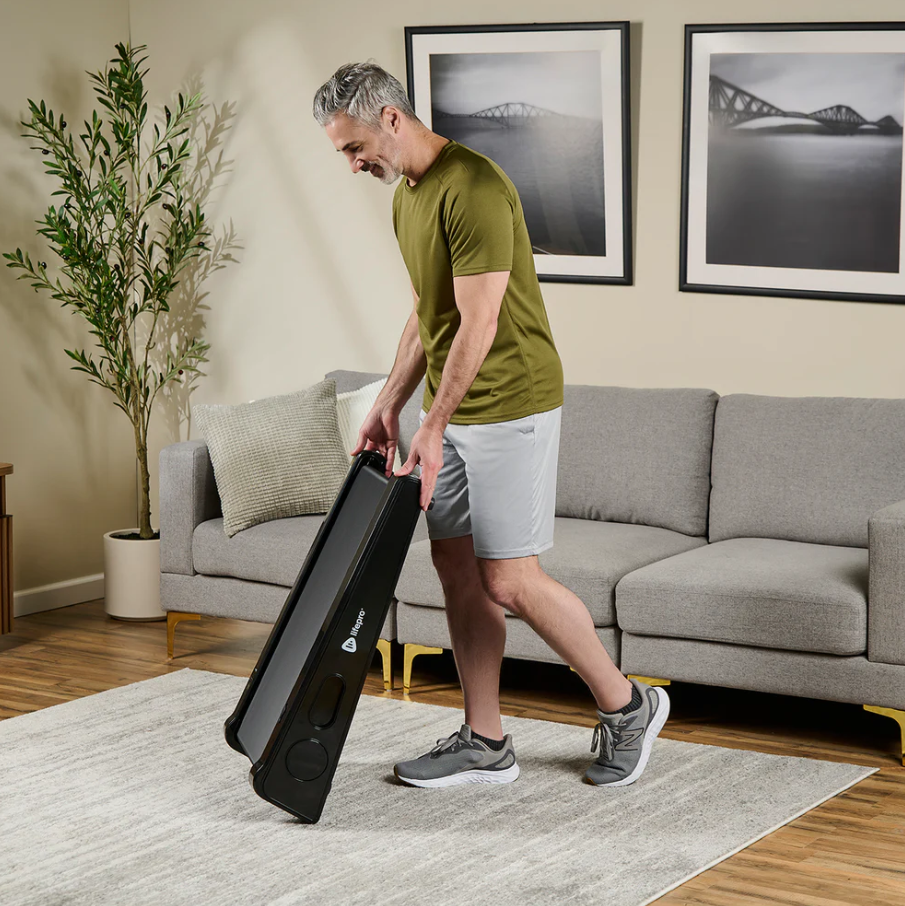
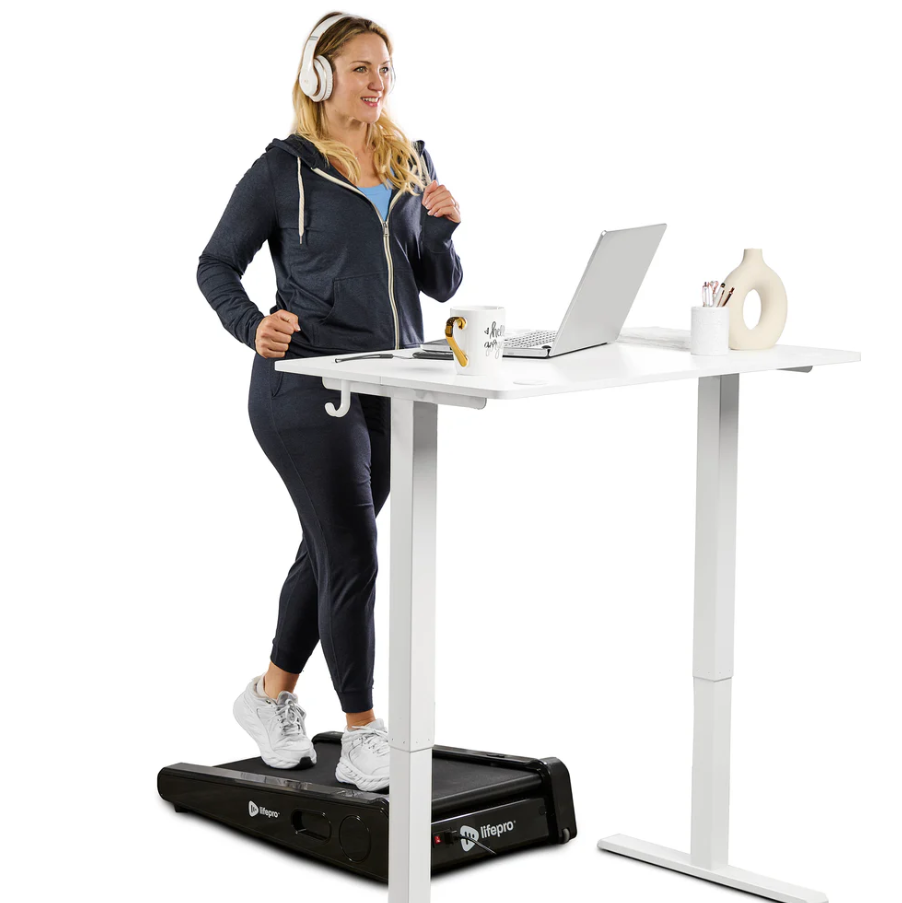
In situations where space and budget are limited, the LifePro PacerMini shows that small can still be mighty. Despite its compact size, it provides a surprisingly solid walking experience for those working in tighter environments.
Featherlight build makes it easy to move around or slide under a desk.
No setup stress—arrives fully assembled and ready to go.
Fixed incline adds a little extra challenge to each step without overwhelming.
PacerMini Portable Treadmill ($429.99) Why it could be right for you: If you’re working in a dorm, studio, or shared office, and you’d rather not spend a fortune, the PacerMini can give you an affordable way to stay active during the day.
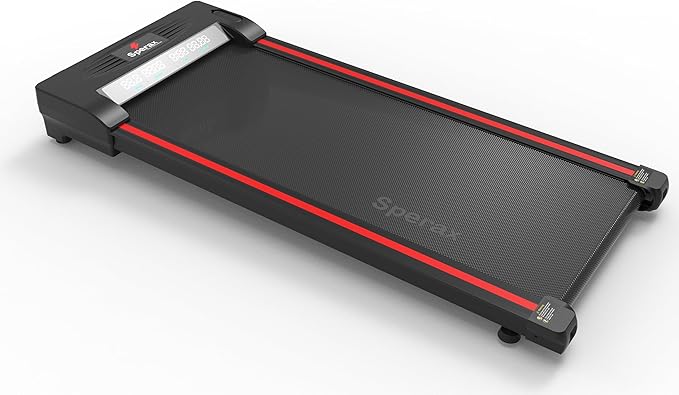
For deal-seekers chasing the best value, the Sperax Walking Pad often steals the spotlight—especially during sales when its price dips below $200. It’s earned a loyal following for delivering robust features without the premium cost.
Big discounts often drop this model below $200.
Strong build supports up to 320 lbs and folds for easy storage.
High ratings from hundreds of happy users on Amazon.
Sperax Walking Pad Classic Treadmill ($189.99) Why it could be right for you: If you want reliable performance without stretching your budget, the Sperax is a value-packed option that still feels sturdy and smooth underfoot.
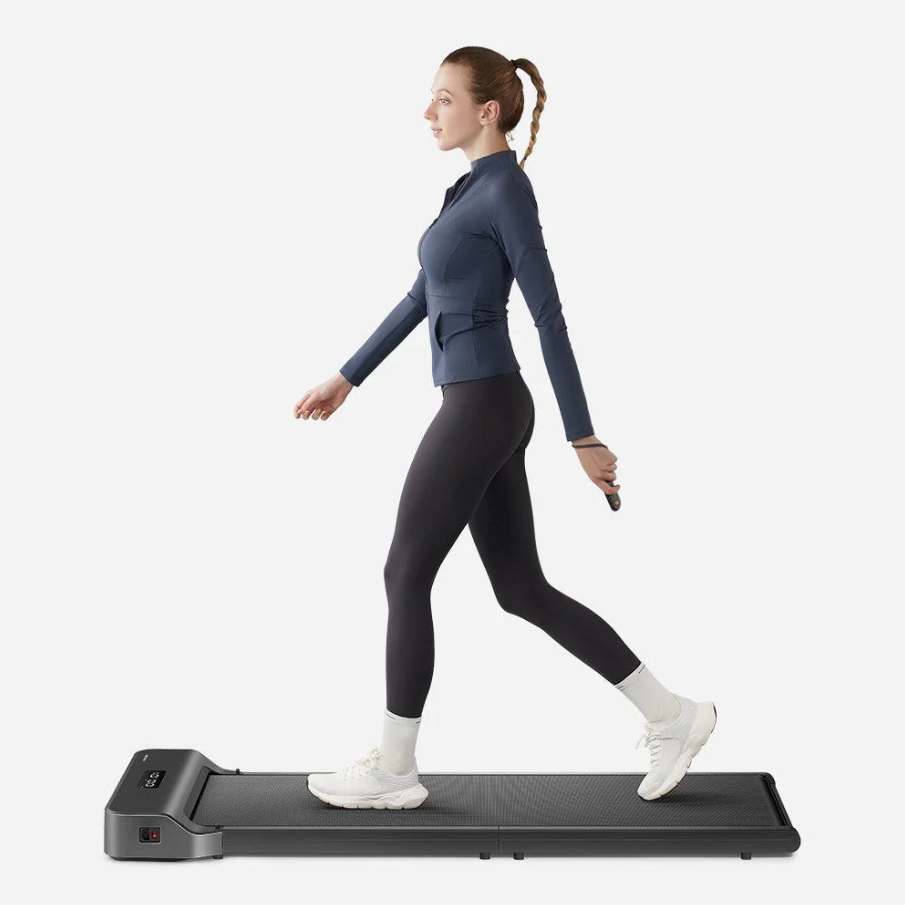
Finally, for those who prioritize style alongside practicality, the WalkingPad Z1 is hard to overlook. With a sleek, foldable design and joint-friendly build, it fits seamlessly into apartments or shared spaces while keeping comfort at the forefront.
Sleek folding design slides effortlessly under sofas, beds, or low desks.
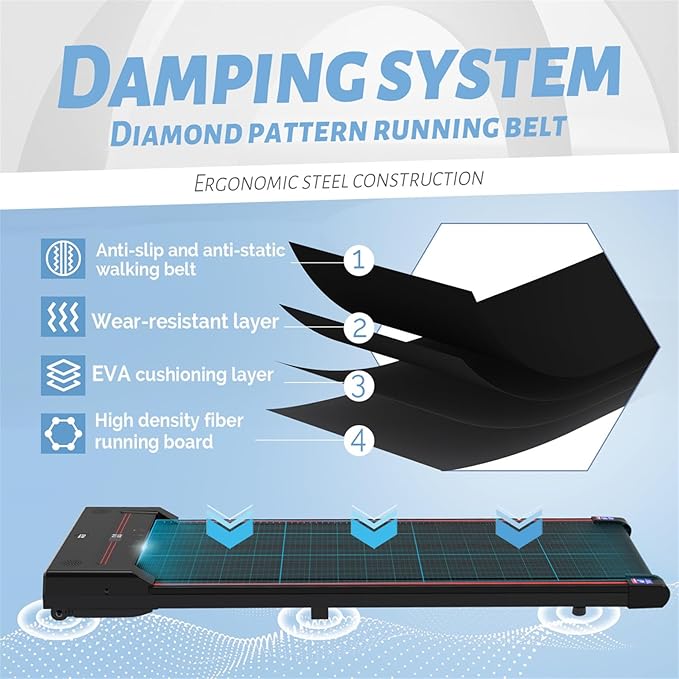
Four-layer shock absorption cushions joints for a more comfortable stride.
Manageable noise level at ~57 dB, quiet enough for most apartment setups.
WalkingPad Z1 Folding Under Desk Treadmill ($499.00) Why it could be right for you: If you care as much about aesthetics as you do about function—and need something that works well in small, shared spaces—the Z1 can feel like the most balanced option.
Compare at a Glance
Scrolling through specs one by one can feel overwhelming, which is why this chart can save you time. It pulls the most important details from each walking pad—speed, noise level, deck size, weight capacity, foldability, and price—into a single view. That way, you can spot the model that matches your priorities without backtracking through the full breakdowns above
Model
Speed
Noise
Deck Size
Weight Cap
Foldable
Approx. Price
Sunny Pacer Smart
0.5–6 mph
Whisper-quiet
Medium
265 lb
✅
~$550
Urevo Strol 2E
0.6–6.2 mph
Quiet
Medium
265 lb
❌
~$209
LifePro PacerMini
Up to 3 mph
Very quiet
Compact
~220 lb
✅
Budget
Sperax Pad
Up to 3.8 mph
Quiet
Compact
320 lb
✅
< $200 (sale)
WalkingPad Z1
3.7 mph
~57 dB
Compact
Standard
✅
~$348
Noise context:
Whisper: ~30 dB
Library: ~40 dB
Conversation: ~60 dB
Once you’ve spotted a model that checks your boxes here, you can jump back to its full review above for a closer look. Think of this chart as your shortcut—helping you narrow things down in minutes instead of second-guessing later.
Setup, Ergonomics & Safety Tips
Finding the best walking pad is only half the story—how you set it up and use it day-to-day can make a big difference in your comfort and consistency. A few small adjustments can turn your desk-walking routine from slightly awkward to second nature:
Keep your posture in check — Place your monitor at eye level and aim for about a 90° bend in your elbows while typing. This helps you avoid neck strain and makes walking feel natural instead of forced.
Choose the right shoes — Lightweight, rubber-soled sneakers can keep your steps quieter and softer. Skip hard soles or heels, which can be noisy and uncomfortable on the walking deck.
Tidy up your space — Use cable clips or an under-desk tray to keep cords out of your way. A clutter-free setup not only looks better but also reduces the risk of tripping.
Listen to your body — During long calls or focused stretches of work, consider pausing the walking pad to rest. Building in breaks keeps fatigue at bay and helps you stay productive.
https://www.youtube.com/shorts/faqGhQzimL0
Alter Ergo’s take on walking pads? They shine when you use them for the right tasks—like calls or webinars where your arms are free—while giving yourself breaks between standing, sitting, and walking. That lines up with our own setup and safety tips: posture matters, the right shoes make a difference, and a tidy space keeps every step steady.
Who Should Skip a Walking Pad
Walking pads can transform the way you work, though they’re not always the right fit for every setup or lifestyle. The key takeaway is simple—there’s no one-size-fits-all solution here. You know your workspace, your body, and your workflow better than anyone else. Prioritizing what helps you stay comfortable and focused will always serve you better than chasing a trend.
With that in mind, here are a few situations where pressing pause on the purchase might make more sense.
Tricky flooring or neighbors below — If your apartment has paper-thin floors or you know your downstairs neighbors can hear every move, a walking pad might stir up more frustration than fitness.
Balance or stride concerns — For those dealing with balance challenges or limited mobility, walking while working can feel more stressful than helpful. In that case, a balance board or anti-fatigue mat might be a safer alternative for keeping your body engaged at your desk.
Easily distracted personalities — Some people thrive on multitasking, while others find that even a gentle walk disrupts their concentration. If you fall into the latter camp, building in short sitting breaks might serve you better than trying to push through with steps.
Alternatives If a Walking Pad Isn’t Your Match
If you found yourself nodding along to the “skip list,” there’s no need to feel discouraged—you still have plenty of ways to bring more movement into your workday. Choosing not to use a walking pad doesn’t mean giving up on healthier habits; it simply means finding the option that better matches your space, your body, and the way you work.
Staying active at your desk can look different for everyone, and these alternatives may be a better fit for your setup.
Balance boards — Ideal if balance is something you’d like to improve gradually, giving your core and posture gentle engagement without requiring constant motion.
Under-desk ellipticals — A comfortable choice for anyone who prefers to keep moving while seated, offering steady leg activity without the footprint of a walking pad.
Anti-fatigue mats — Especially useful if standing is your main setup, helping reduce pressure and strain from long hours on your feet.
https://www.youtube.com/watch?v=lPXWISB0v9U
Not every workspace or body is a match for a walking pad—and that’s okay. This quick review from Victor Technology highlights why some people might skip the walking pad altogether. Balance boards and anti-fatigue mats can keep your body engaged at your desk without the extra noise, space, or distraction.
Bottom Line — The Best Walking Pad Keeps You Moving Without the Fuss
Walking pads may not be the answer for every workspace or every worker, but for many, they open the door to a healthier and more energized workday. The key is remembering that movement doesn’t have to be complicated—sometimes it’s just a matter of finding a steady rhythm that keeps both your body and focus alive.
Your desk doesn’t need to lock you in place; with the right setup, it can support you instead. Whether you choose a walking pad, an alternative, or simply commit to small mindful changes, the power lies in shaping a routine that works for your own lifestyle.
So take what you’ve learned here, consider your space and budget, and start building a workspace that helps you feel less like a sloth at your desk and more like the office warrior you’re meant to be.
Your inbox is overflowing, your coffee’s gone cold, and your to-do list just grew another limb. Sound familiar? Now picture this—your money’s making...
Big dreams in your cart, panic at checkout? Yeah, we’ve been there too. That moment when you’re ready to snag the laptop or gaming rig you’ve been ey...
Shaving feels like an endless cycle. Waxing? More like modern-day torture. And let’s not even talk about the unbearable smell of hair removal creams....