We may earn a commission from links you visit through Coupon Snake.
Let’s be real — nothing ruins sleep faster than lying in bed wondering if the doors are locked or if that bump outside is more than just the wind. It’s a small worry, but it piles up night after night.
Luckily, the best smart home devices turn that worry into peace of mind. This guide will walk you through the smartest picks for nighttime security — devices that lock up, light up, and look out for you, so you can actually enjoy uninterrupted rest.
Why Nighttime Security Matters?
Night is when homes are at their most vulnerable — visibility is low, people are less alert, and intruders know it. That’s why deterrents like motion lights, alarms, and smart locks can be especially effective after dark.
Consumers recognize this. In the most recent smart home trends survey, 37% of buyers said safety and security were their main reasons for adopting smart tech.
The takeaway? Even as crime rates improve, people are turning to the best smart home devices not just for convenience, but because they deliver the one thing that matters most at night — peace of mind.
https://www.youtube.com/watch?v=C7LKE6FhTYY
Security camera footage from FOX 11 Los Angeles captures a man attempting to break into a Van Nuys home late at night. Despite the clear evidence, LAPD officers were unable to arrest the suspect due to Proposition 47, highlighting the challenges law enforcement faces in addressing property crimes. This incident underscores the importance of nighttime security measures, as over half of burglaries occur between 8 p.m. and 7 a.m.—a time when homes are most vulnerable.
What to Consider Before You Buy?
Knowing that nighttime is when your home is most at risk, the next step is choosing devices that truly fit your lifestyle. Not every lock, light, or camera works the same way, and the best smart home devices are the ones that integrate seamlessly into your routine without adding extra headaches.
Here are a few quick questions to run through before you decide:
Does it work with Alexa, Google, or Apple Home?
Are there hidden monthly fees you’ll need to budget for?
Can you install it yourself, or will you need professional help?
What happens if the Wi-Fi goes down or the power cuts out?
How long will the warranty and software support last?
The Best Smart Home Devices for Nighttime Peace of Mind
By now it’s clear why nighttime security deserves extra attention — it’s when visibility drops, routines get looser, and the risks climb higher. You’ve also seen what to look for before buying, from compatibility with Alexa or Google to backup options if the Wi-Fi cuts out.
The next step is choosing the right mix of devices. The best smart home devices don’t just look impressive on a spec sheet; they actively protect the entry points intruders target most, keep your home well-lit when it matters, and make sure you’re never second-guessing whether the doors are locked. Each category below addresses a specific gap in nighttime protection, so you can build a system that feels less like a gadget collection and more like a safety net that works while you sleep.
Let’s walk through the top 10 options — from smart locks that secure the front door automatically to motion sensors that light up dark corners — so you can see which ones fit your home, your routine, and your peace of mind.
1. Smart Deadbolts & Auto-Lock Smart Locks
If you’ve ever gone to bed wondering “Did I lock the door?”, a smart lock takes that worry off your shoulders. These devices automatically secure your doors after a set time, so you can rest without replaying your evening checklist.
What to look for: ANSI/BHMA lock rating, auto-lock delay settings, battery backup.
Price range: $80–$250.
Best for: Forgetful lock-checkers, families with kids coming in late.
Watch out for: Avoid Bluetooth-only versions — Wi-Fi or Z-Wave with encryption is far safer.
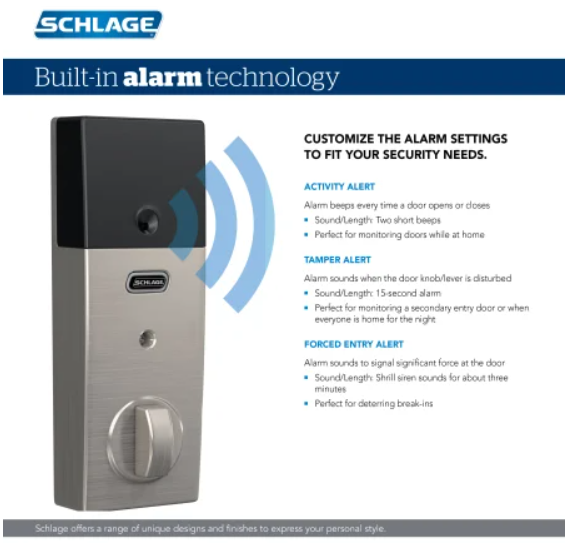
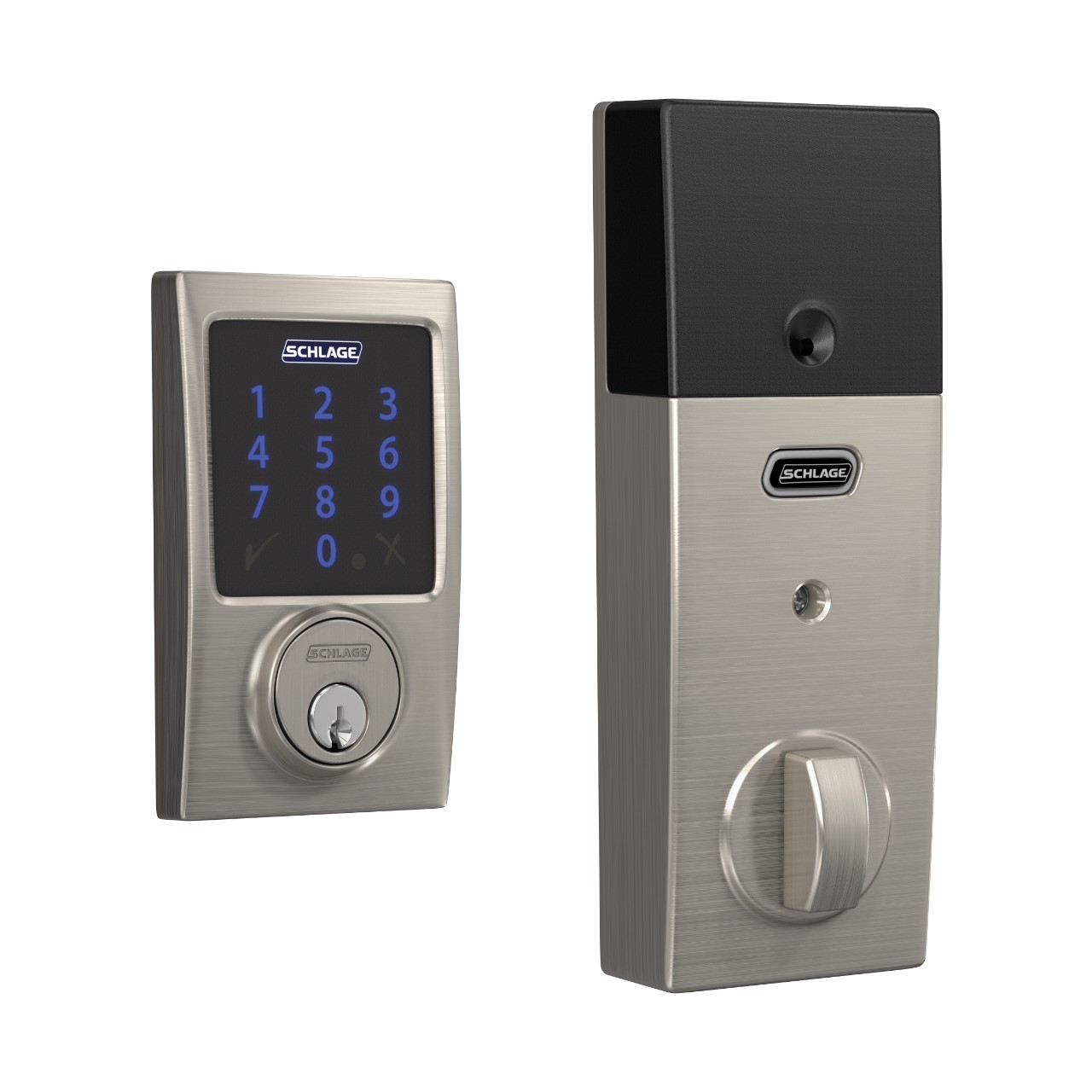
The Schlage Connect Century Touchscreen Deadbolt($227.29) takes smart locking to the next level — combining auto-lock convenience with Z-Wave Plus integration and a built-in alarm. It’s a perfect example of how the best smart home devices secure your doors at night without leaving you second-guessing.
2. Video Doorbells
The front step is the most common entry point — and the hardest to keep an eye on. A video doorbell gives you a live feed and recordings of every knock, delivery, or suspicious visitor, so your front door is never a blind spot.
What to look for: 160° field of view, infrared + color night vision, flexible storage.
Price range: $100–$300.
Best for: Busy households, delivery-heavy neighborhoods.
Watch out for: Cloud storage can mean recurring fees and potential privacy trade-offs.
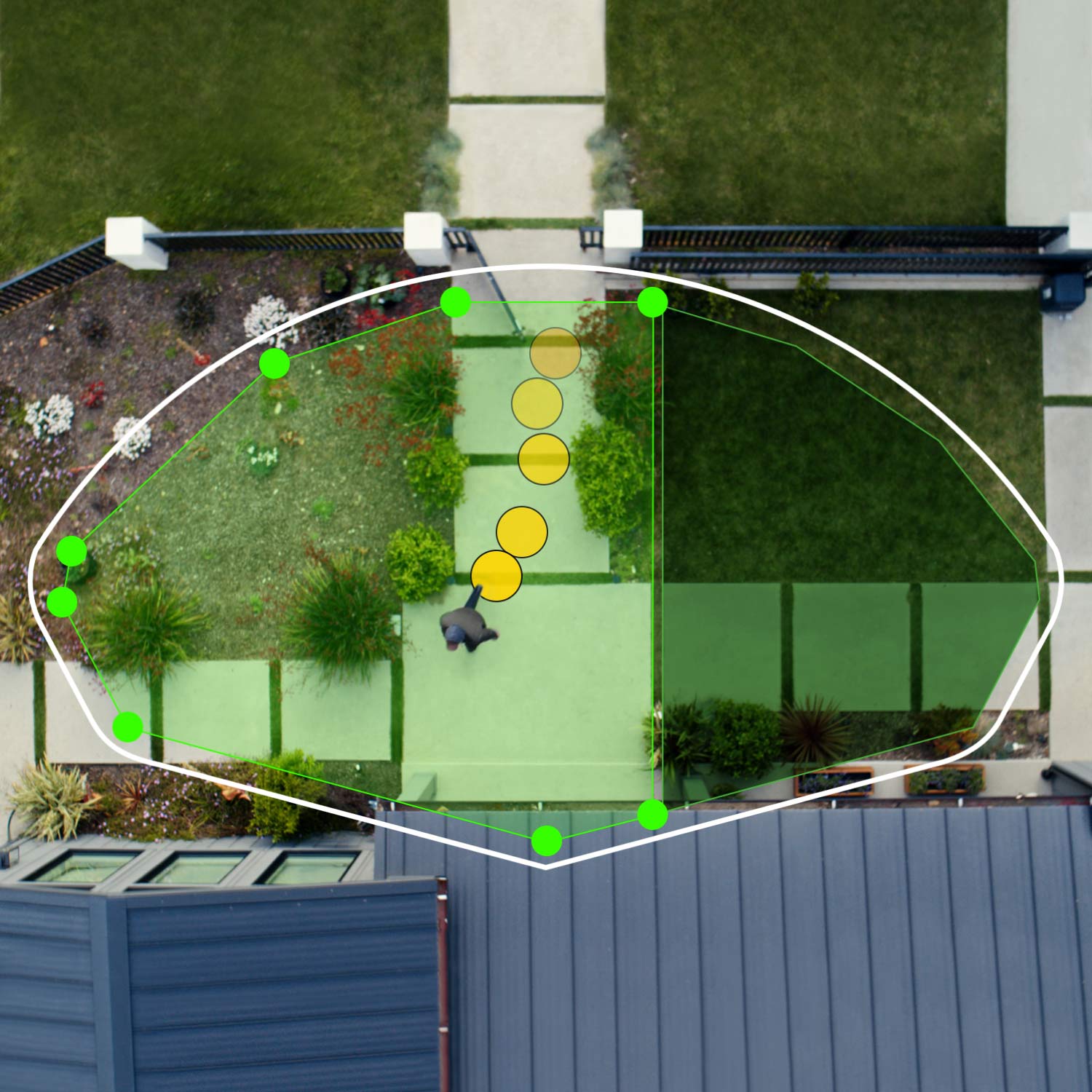
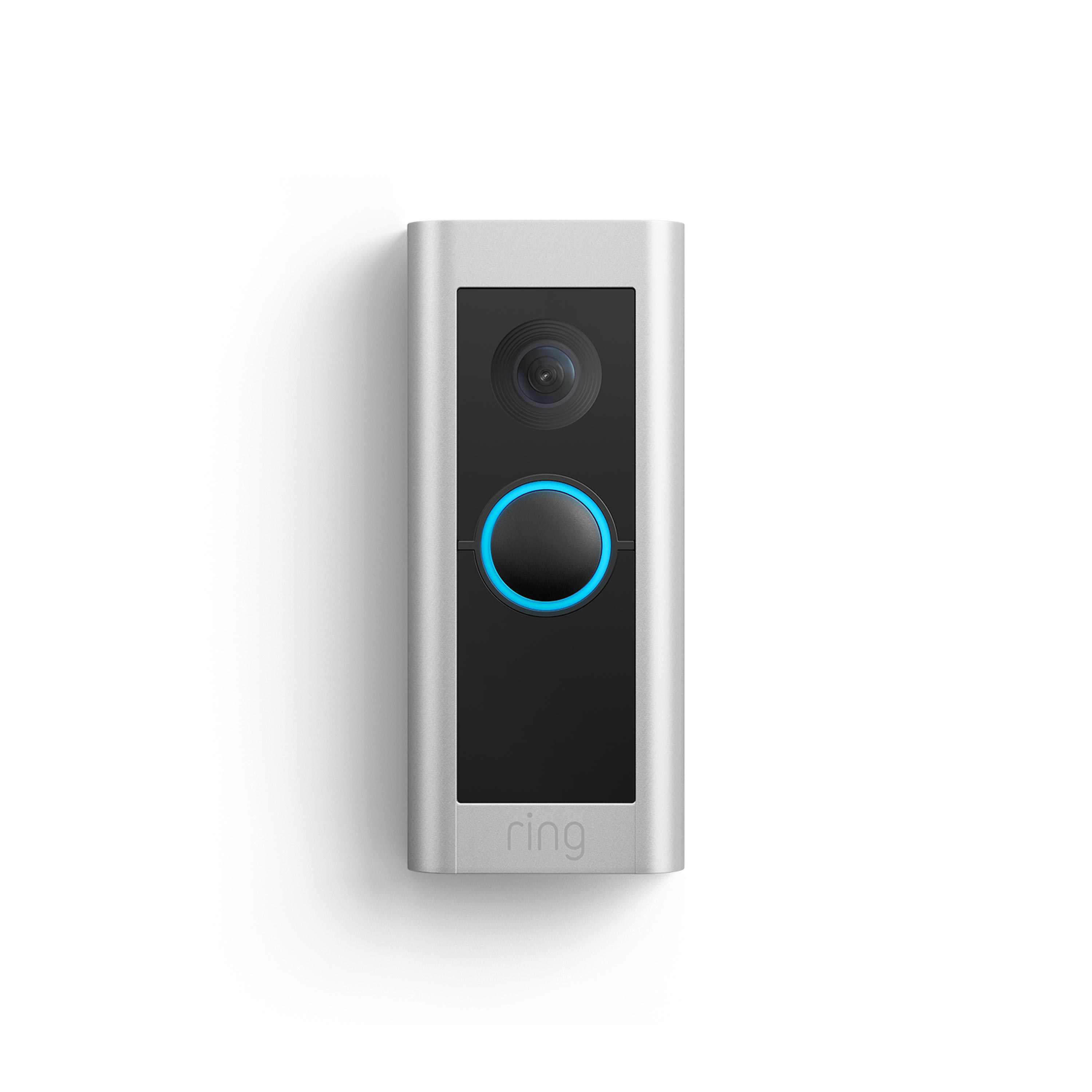
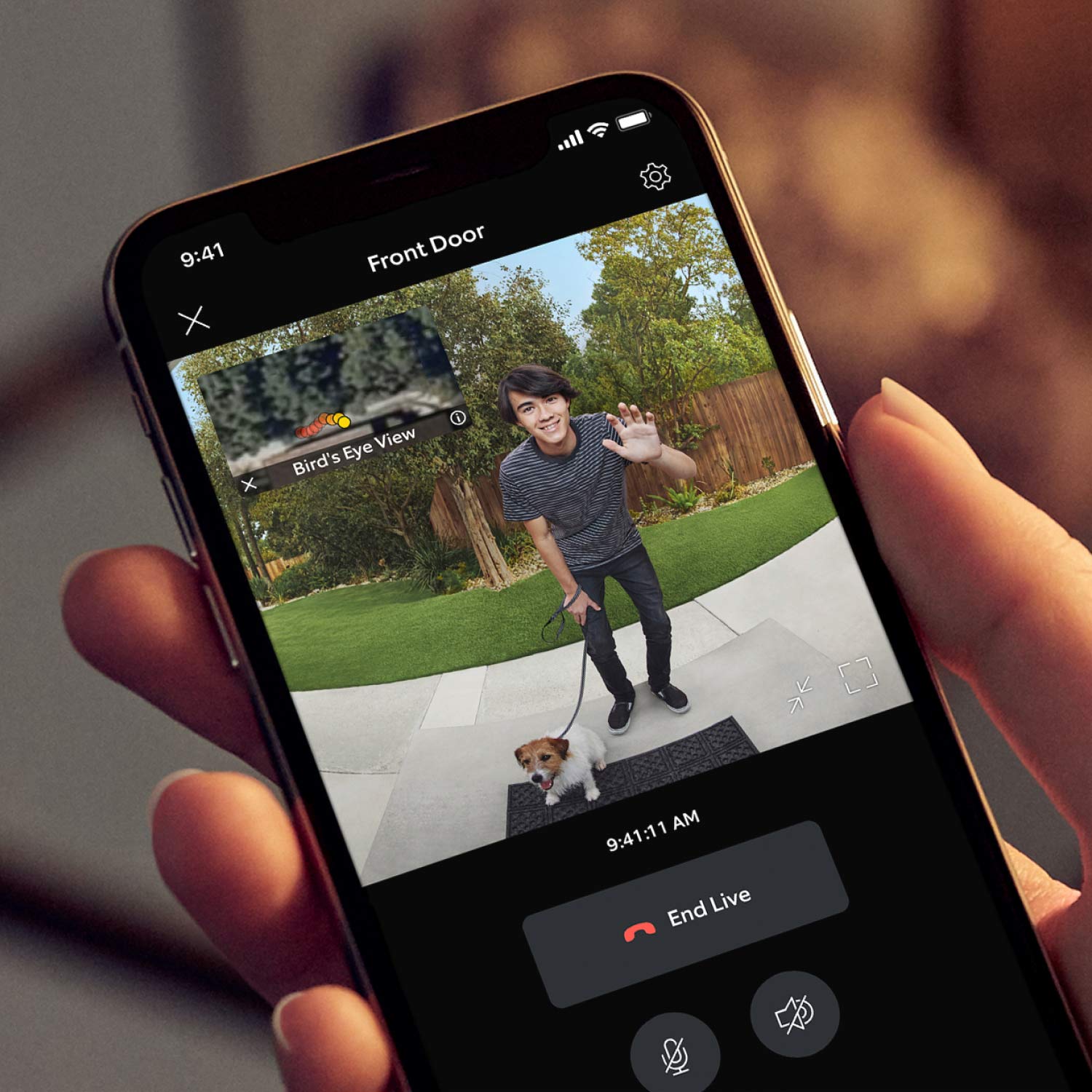
The Ring Wired Doorbell Pro ($229.99) keeps your front door under watch 24/7, with crystal-clear video, color night vision, and advanced motion detection. It’s a smart upgrade that shows why video doorbells are among the best smart home devices for nighttime security.
3. Indoor & Outdoor Security Cameras
Think of these as eyes that never blink. Security cameras cover garages, backyards, and side alleys — the places burglars count on being ignored. With two-way audio, you can even speak up if someone lingers too long.
What to look for: 1080p or higher resolution, night vision, two-way talk.
Price range: $50–$300.
Best for: Large properties, frequent travelers.
Watch out for: Default passwords are weak — change them immediately.
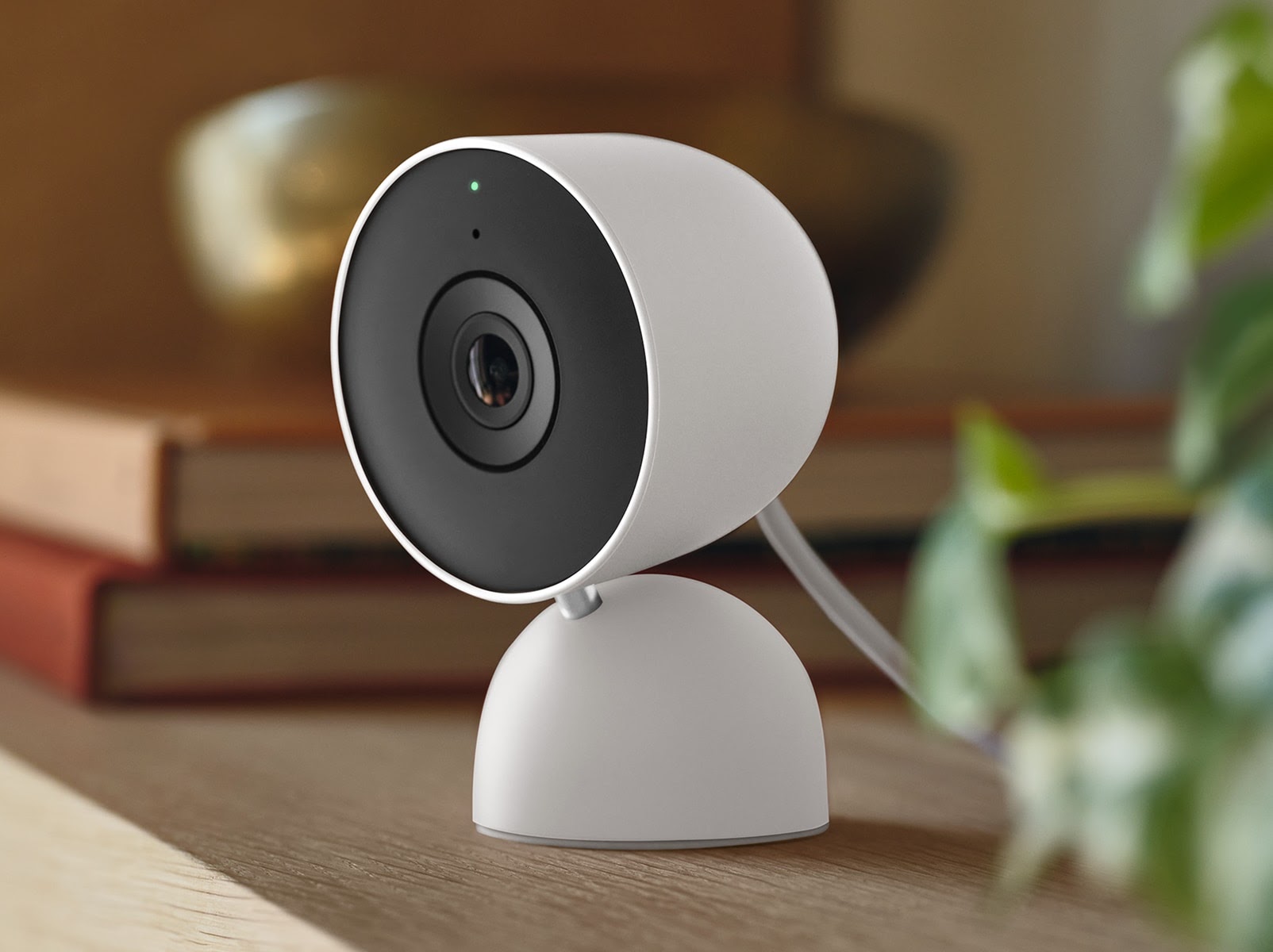
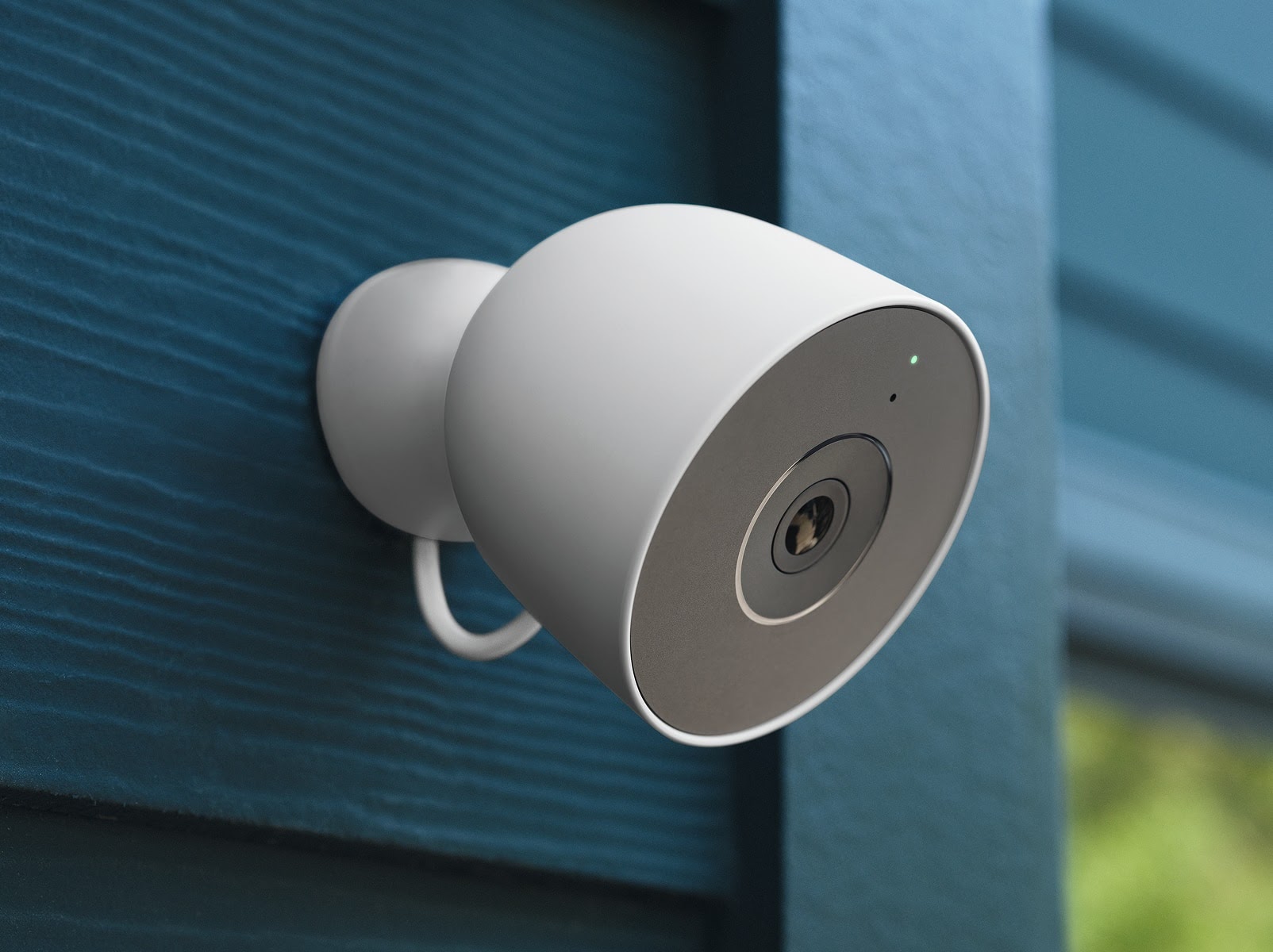
The Google Nest Cam lineup — indoor ($99.99) for monitoring hallways and living spaces, outdoor ($149.99) for yards and driveways — delivers sharp video, clear night vision, and smart alerts. Together, they’re among the best smart home devices for keeping every corner of your home covered while you sleep.
4. Motion Sensors & Motion-Activated Lights
Nothing rattles an intruder faster than a sudden burst of light. Motion-activated sensors and floodlights are simple, affordable, and highly effective at scaring off unwanted visitors before they get too close.
What to look for: Pet immunity, quick response (<0.5 sec), weatherproofing.
Price range: $20–$100+.
Best for: Driveways, yards, side paths.
Watch out for: Cheap sensors often trigger false alarms from pets or wind.
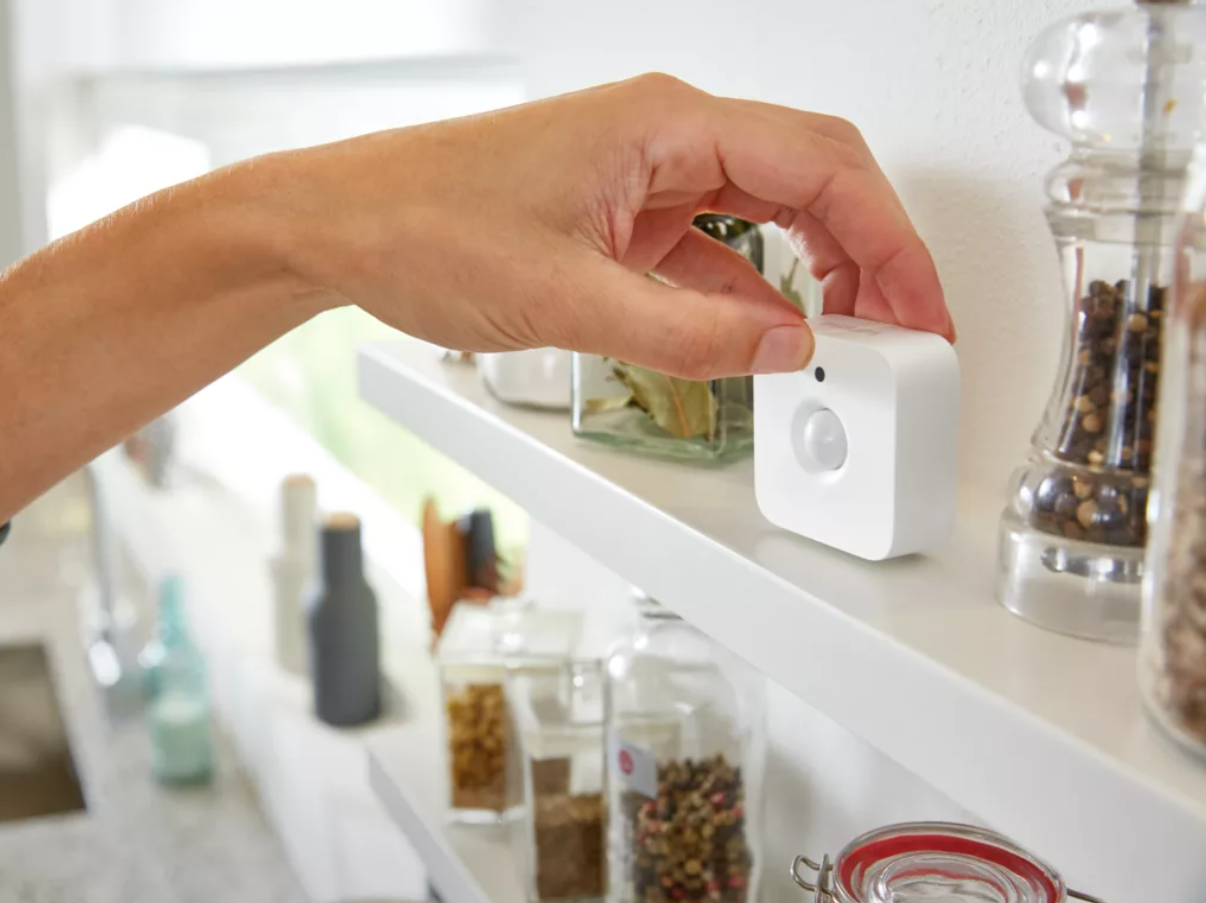
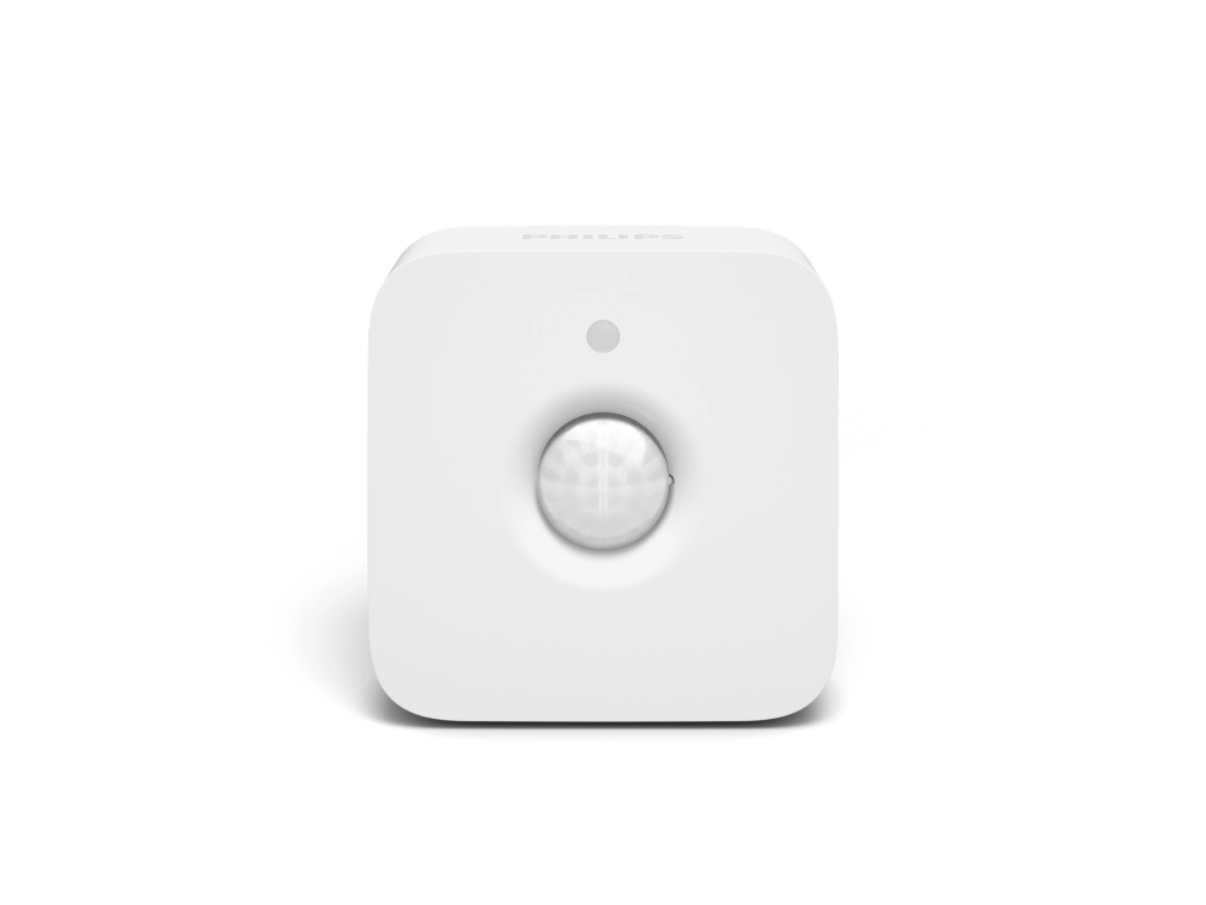
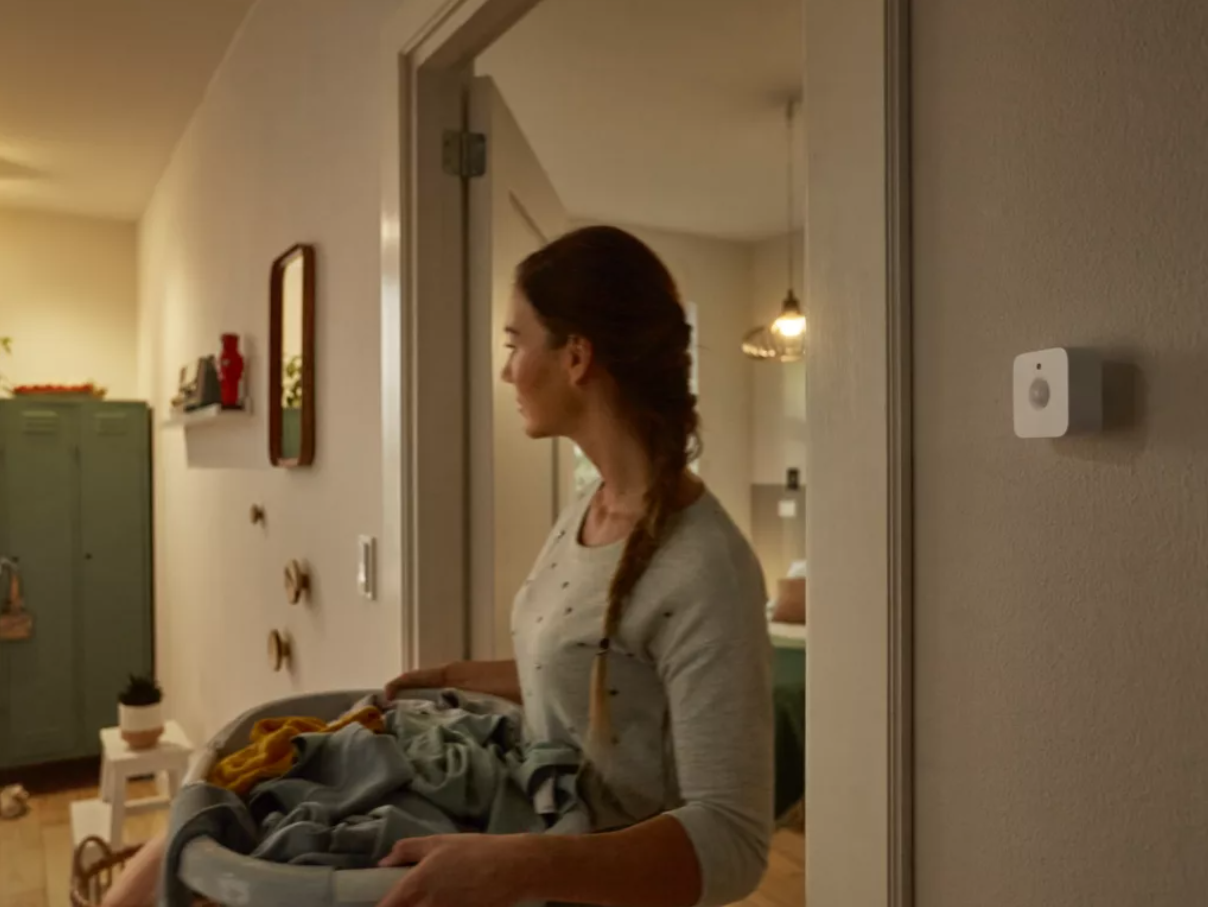
The Philips Hue Motion Sensor ($48.99) instantly triggers lights when movement is detected — indoors or outdoors — so your home responds before you even notice. It’s a simple but powerful reminder that some of the best smart home devices work by deterring trouble the moment it starts.
5. Smart Lighting for Occupancy Simulation
A dark, quiet house is an open invitation. Smart lighting lets you schedule or randomize lights to turn on at night, creating the illusion that someone’s awake and alert — even when the house is silent.
What to look for: Flexible scheduling, randomization, voice assistant compatibility.
Price range: $10–$60 per bulb/switch.
Best for: Homes left empty overnight or while traveling.
Watch out for: Requires steady Wi-Fi; outages can ruin the effect.
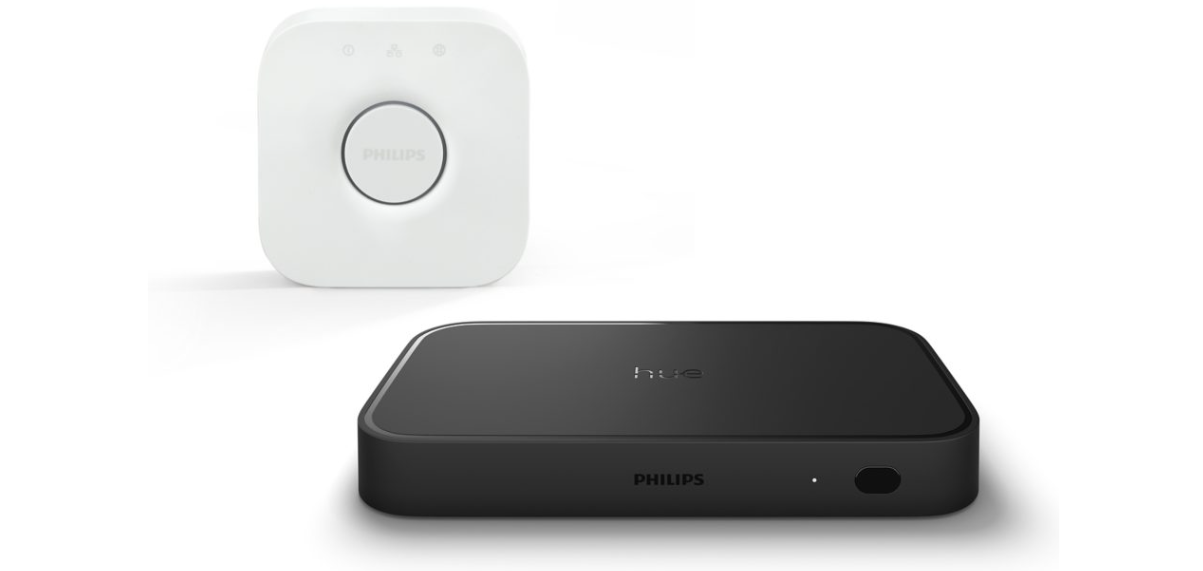
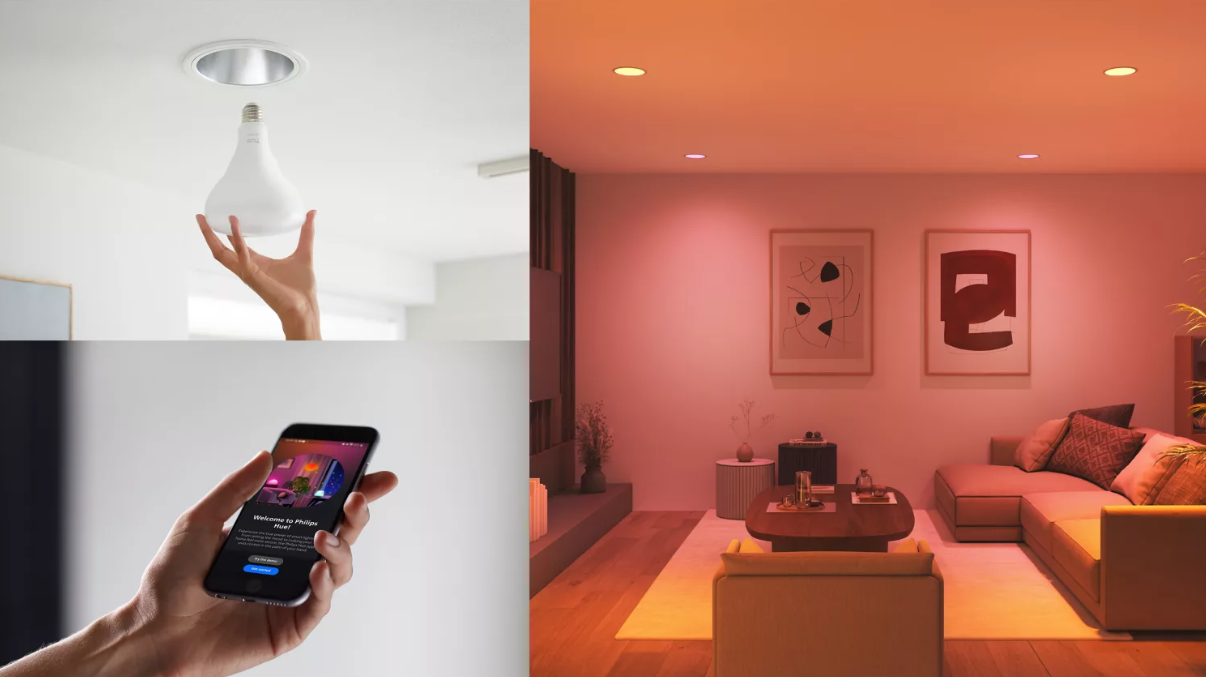
The Philips Hue ecosystem makes occupancy simulation effortless — the Hue Sync Box with Bridge ($450.98) unlocks advanced automation, while the Essential BR30 Smart Bulb ($24.99) delivers warm, energy-efficient light you can schedule or randomize. Together, they show why smart lighting is one of the best smart home devices for making it look like someone’s always home, even when the house is dark.
6. Window & Door Contact Sensors
Most burglars don’t bother with complex entries — they look for unlocked windows or side doors. Contact sensors alert you the moment one opens, catching intrusions where they’re most likely to start.
What to look for: Long battery life, tamper alerts, reliable wireless range.
Price range: $15–$60.
Best for: Ground-floor apartments, basement windows, rental units.
Watch out for: Adhesive versions can loosen over time, especially in humid areas.
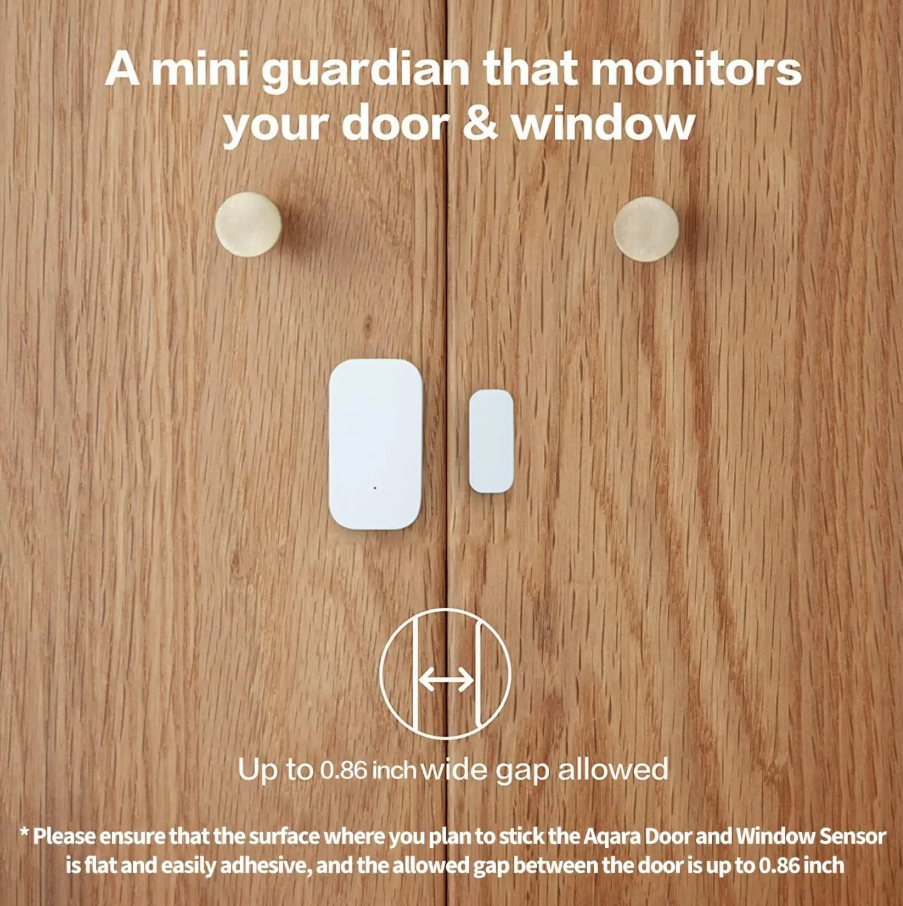
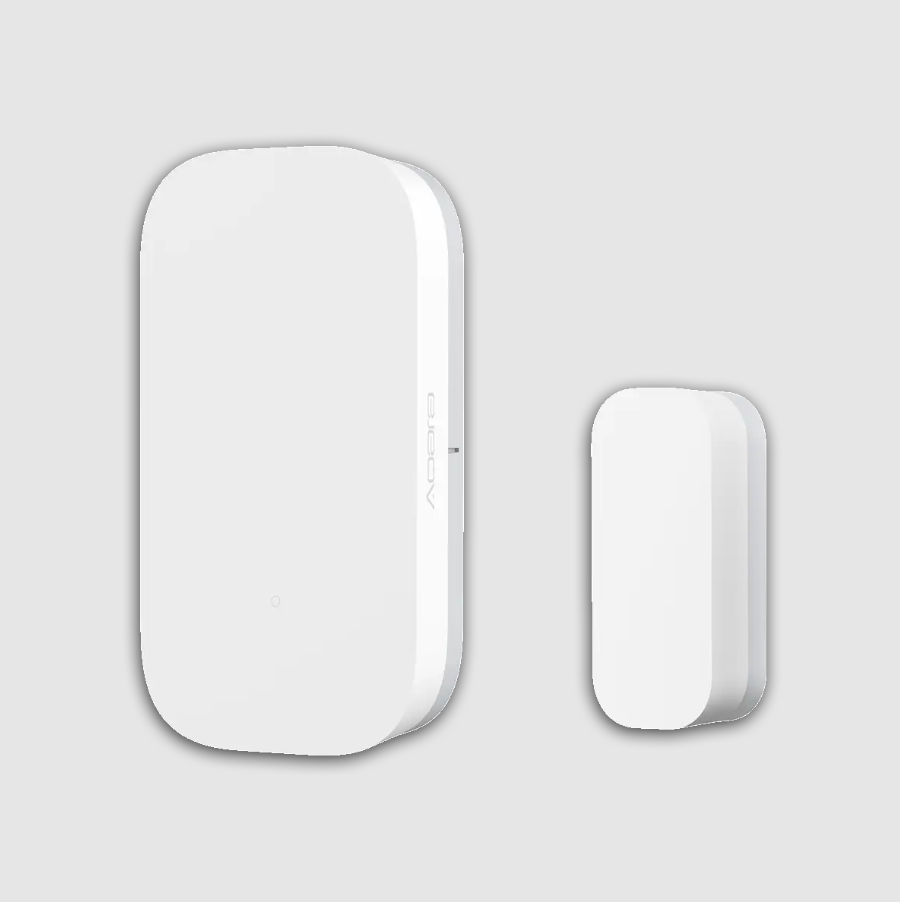
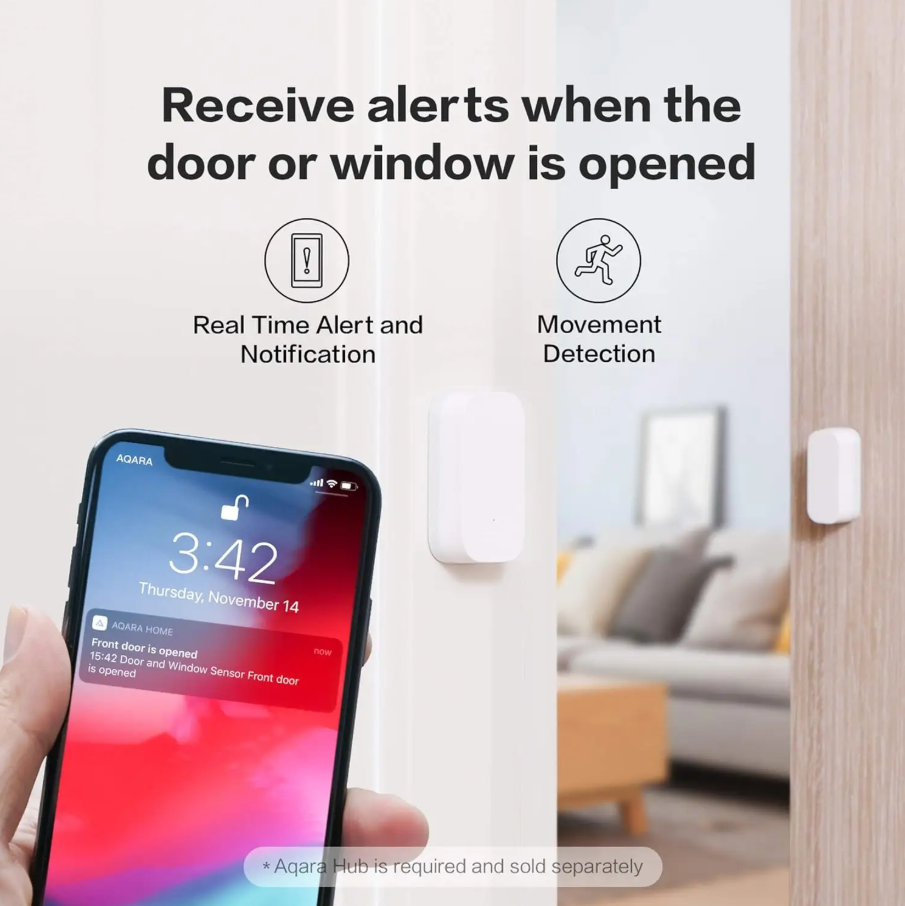
The Aqara Door & Window Sensor ($17.99) is small but powerful — instantly alerting you if an entry point is opened at night. Affordable, reliable, and discreet, it proves that some of the best smart home devices are also the simplest defenses for keeping your home secure while you sleep.
7. Smart Alarms & Security Hubs
This is the brain of your home’s defense. When a sensor trips, the hub triggers alarms and alerts instantly. It ties your locks, lights, and cameras into one coordinated system that doesn’t hesitate when something feels off.
What to look for: Backup battery, cellular fallback, multi-protocol support (Z-Wave, Zigbee, Matter).
Price range: $50–$300.
Best for: Families, larger homes, anyone juggling multiple devices.
Watch out for: Some hubs lock key features behind monthly subscriptions.
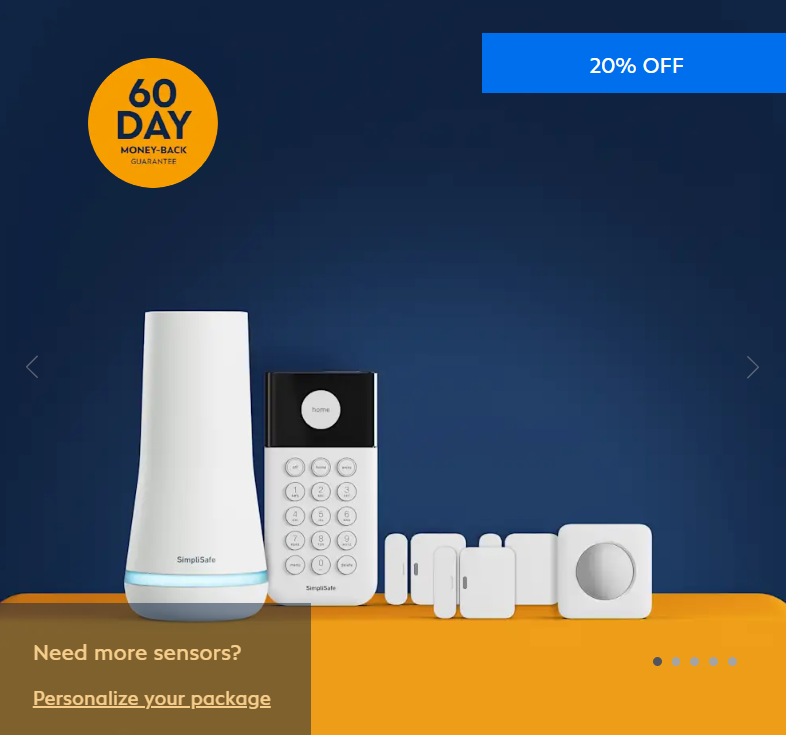
The SimpliSafe Base Kit ($284.92), paired with optional Pro Monitoring ($1.66/day), acts as the command center for your home — linking sensors, alarms, and cameras into one reliable hub. It’s a standout among the best smart home devices because it gives you instant alerts and, if you choose, professional backup while you sleep.
8. Smart Garage Door Controllers
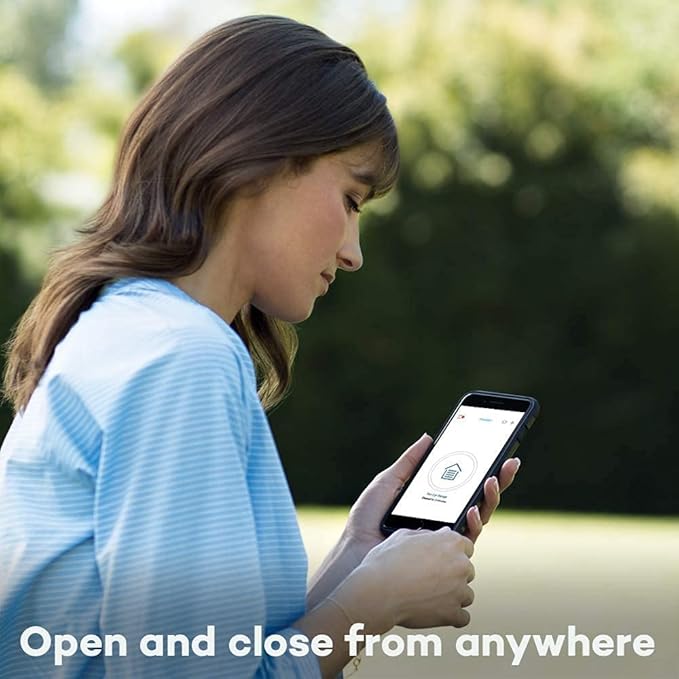
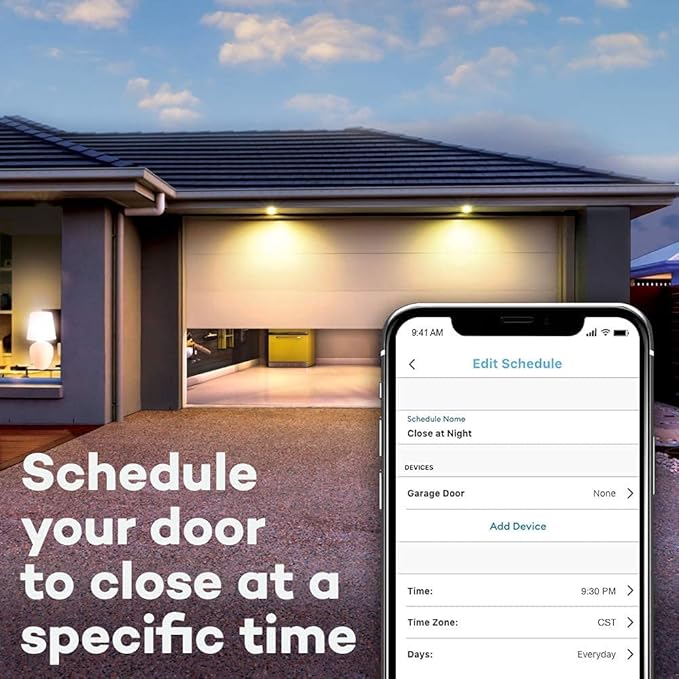
The garage is the largest, most overlooked door in the house — and often left wide open by mistake. Smart controllers let you check its status from anywhere and even set auto-close timers so it’s never forgotten at night.
What to look for: Auto-close features, encrypted control, car integration.
Price range: $50–$300.
Best for: Suburban homes with attached garages.
Watch out for: Installation may require wiring skills or professional help.
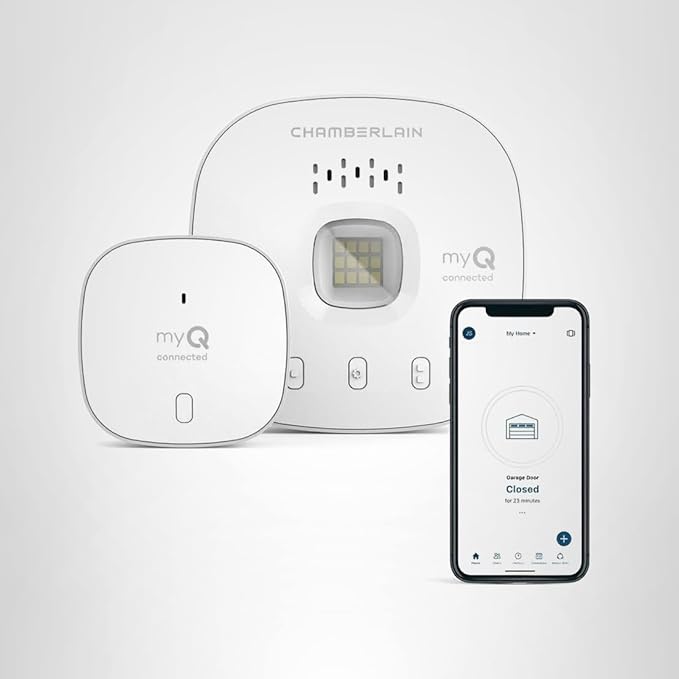
The Chamberlain myQ Smart Garage Control ($29.87) makes sure the largest entry point in your home never gets overlooked — letting you check status, set auto-close timers, and secure your garage from anywhere. It’s one of the best smart home devices for preventing late-night "did I close it?" worries.
9. Home Monitoring Subscriptions
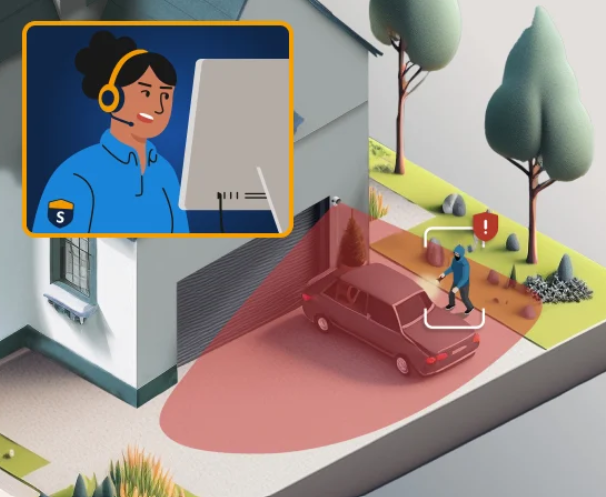
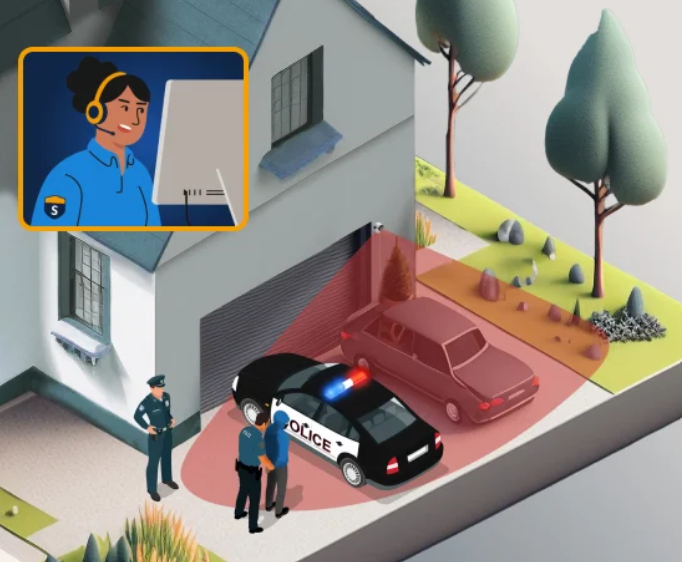
If you tend to sleep through phone alerts, professional monitoring adds a human layer of security. Trained operators watch for triggers 24/7 and contact authorities when needed, ensuring nothing slips by while you’re in deep sleep.
What to look for: Fast response times, transparent contracts, cancellation flexibility.
Price range: $10–$50/month.
Best for: Heavy sleepers, frequent travelers, peace-of-mind seekers.
Watch out for: Ongoing fees can add up over time compared to DIY setups.
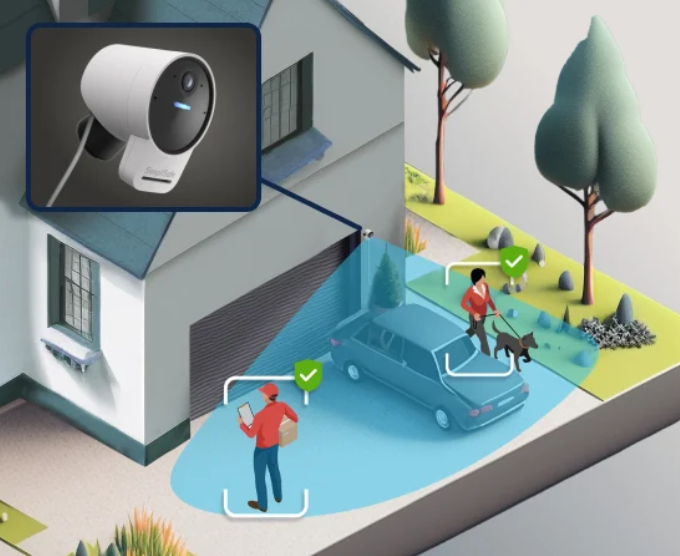
SimpliSafe Professional Monitoring Pro ($1.66/day) keeps watch even while you’re fast asleep — with trained agents ready to respond the moment an alarm triggers. It’s a strong reminder that some of the best smart home devices aren’t just hardware, but services that add an extra layer of peace of mind.
10. Smart Hubs & Controllers
Think of this as the conductor of your security orchestra. A smart hub makes sure your lights, locks, alarms, and sensors all “talk” to each other — so when one is triggered, the whole system responds.
What to look for: Local automation (offline function), flexible protocols, intuitive app.
Price range: $70–$300.
Best for: Tech-savvy homeowners, full-house automation.
Watch out for: Without one, your devices may act like isolated gadgets instead of a team.
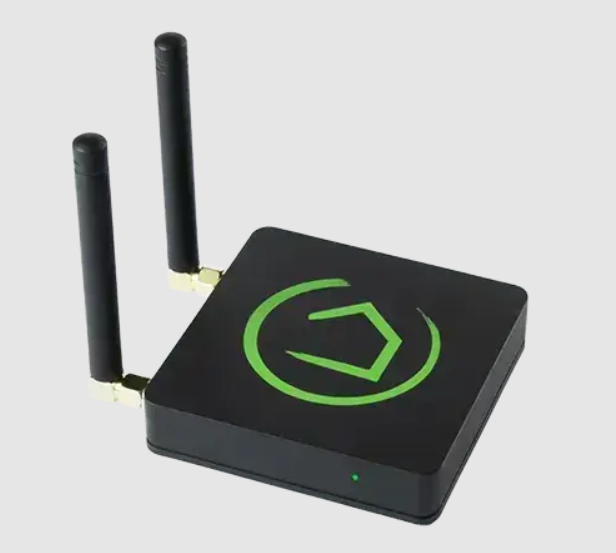
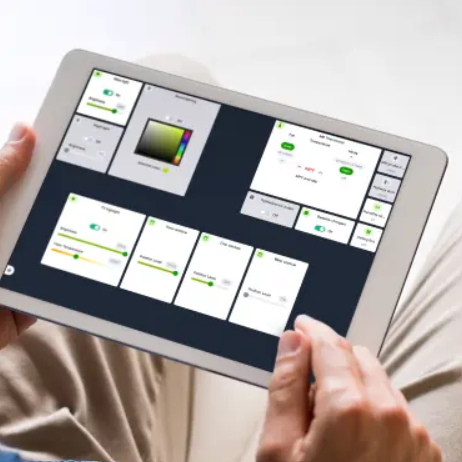
The Hubitat Elevation C-8 ($139.95 USD) brings all your devices together with fast, local automation — meaning your locks, lights, and sensors still work even if the internet goes out. It’s one of the best smart home devices for anyone who wants complete nighttime security without relying on the cloud.
Sleep Better Tonight with the Best Smart Home Devices for Security
At the end of the day, security is about peace of mind. The best smart home devices don’t just add high-tech convenience; they give you the confidence that your doors are locked, your yard is lit, and your home is being monitored while you sleep.
Now is the time to take that first step. Explore the options in this guide, compare features, and pick the device that makes you feel most secure. Once you experience the difference of sleeping soundly without second-guessing your home’s safety, you’ll see why so many households are making the switch to smart security.
It’s 9 p.m., and your child’s birthday is just around the corner. You haven’t picked a gift yet, and the thought of rushing through endless store web...